

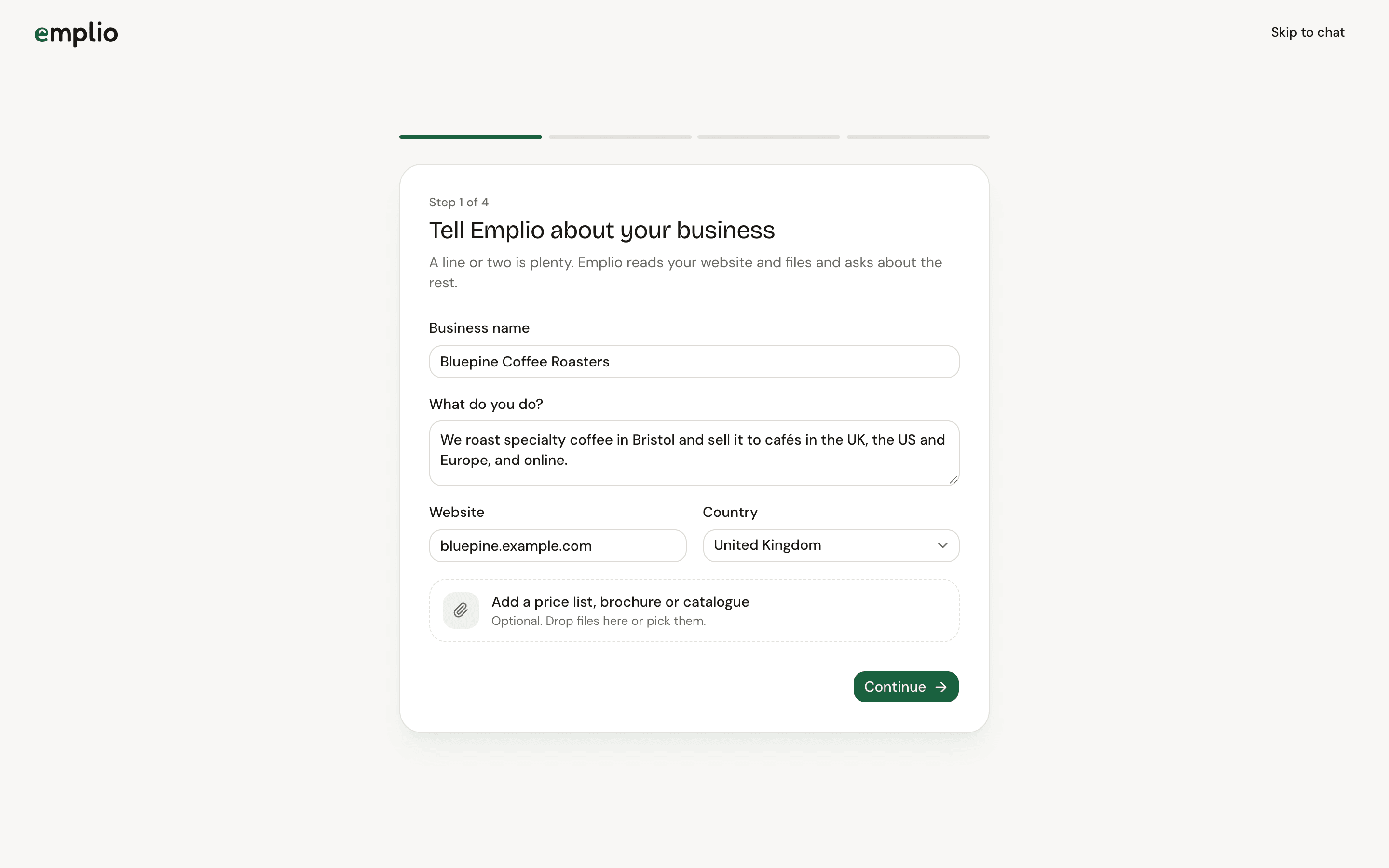
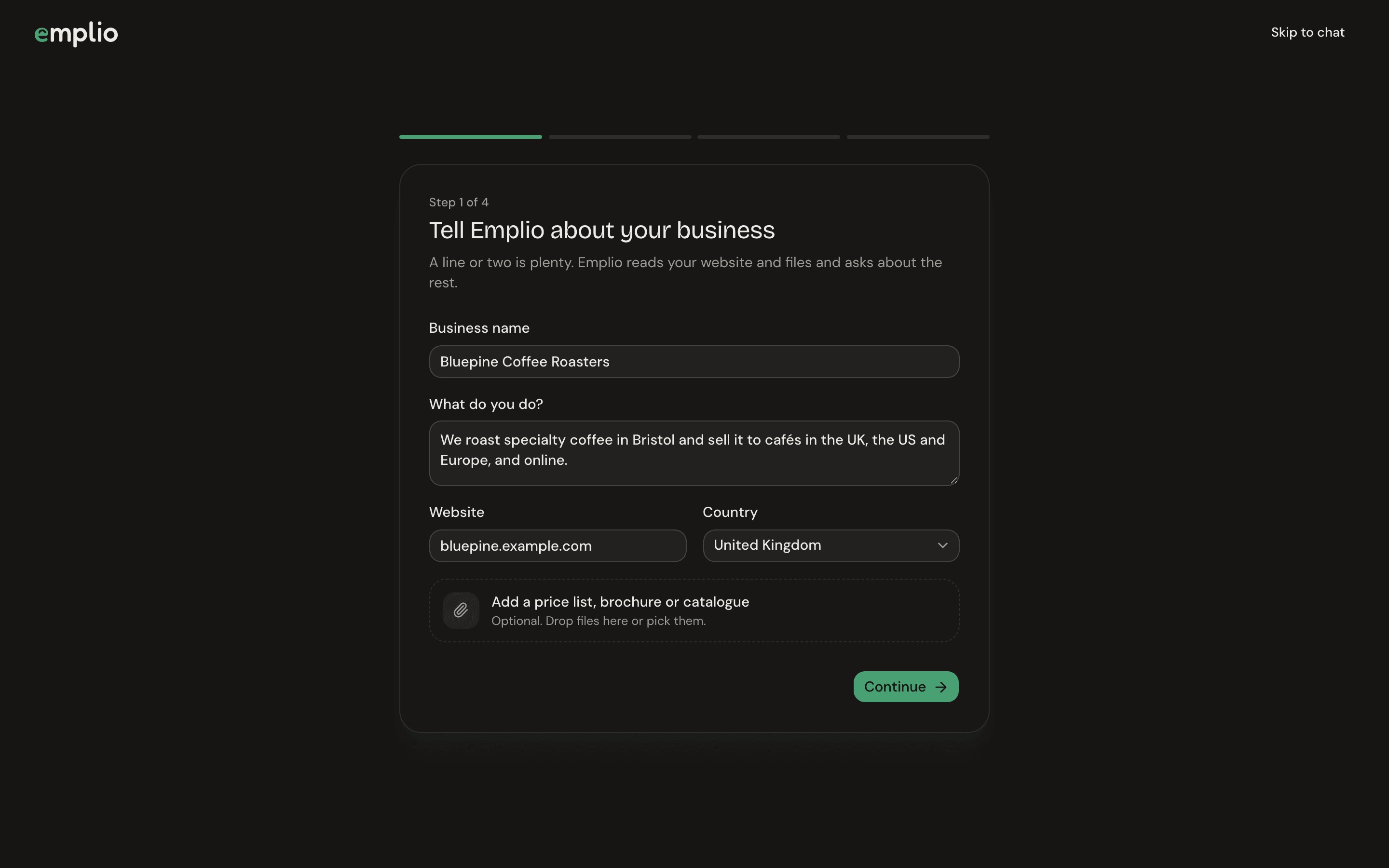
The first welcome step
The welcome steps
Press Continue to move on, Back to go back, or Skip to chat at the top to jump straight in.1
Tell Emplio about your business
Fill in Business name, What do you do?, Website and Country. A line or two is plenty. You can also add a price list, brochure or catalogue.
2
Connect the apps you use
Press Connect next to Gmail, Google Calendar, Drive, Sheets, Zoho Books and others, or See all apps. See Integrations.
3
Talk to Emplio from your phone
Enter Your mobile number with the country code, then connect Telegram. See Phone and Telegram.
4
Used another AI before?
Bring what ChatGPT, Claude or another AI knows about you. See Bring your memory. Then press Meet Emplio.
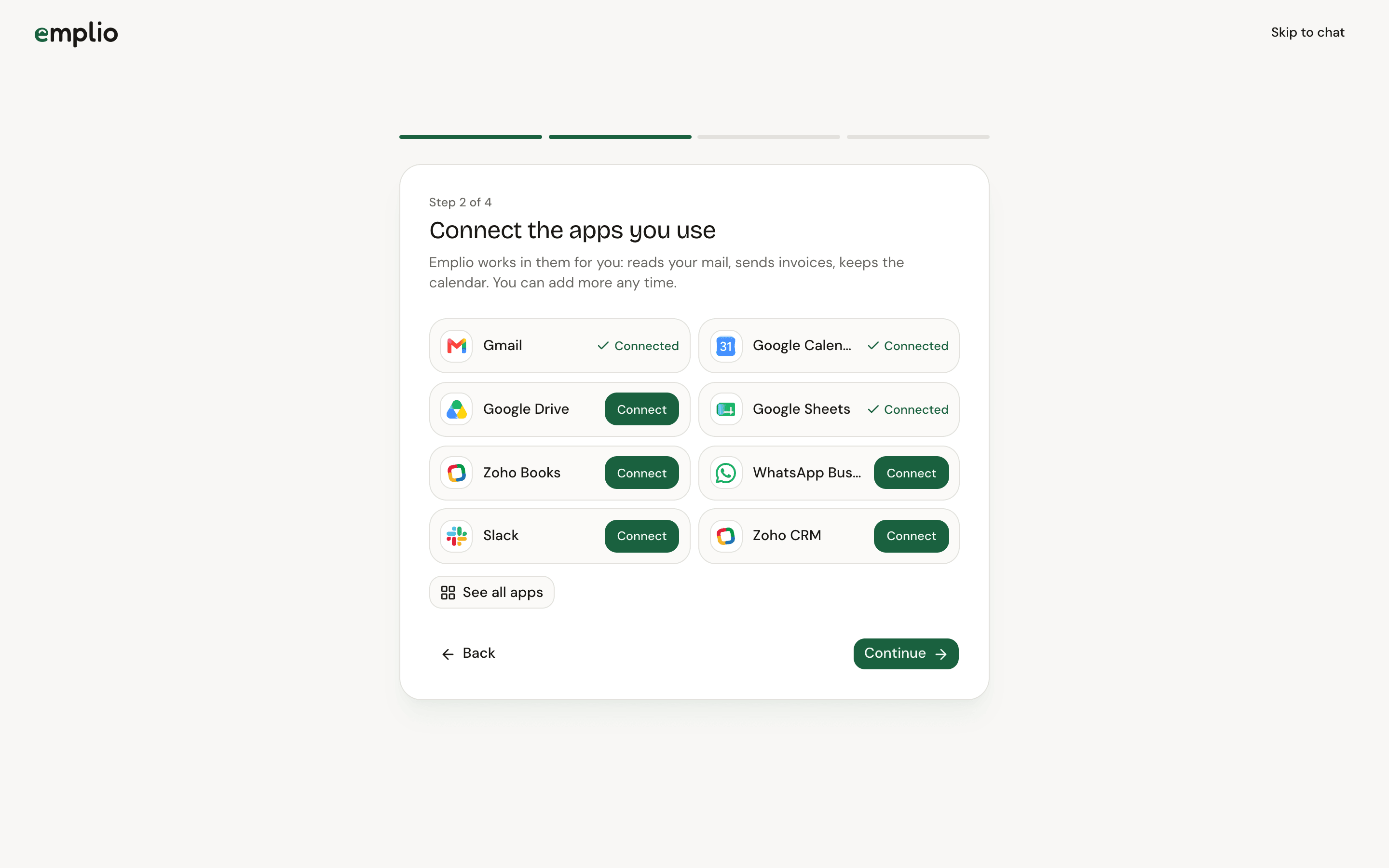
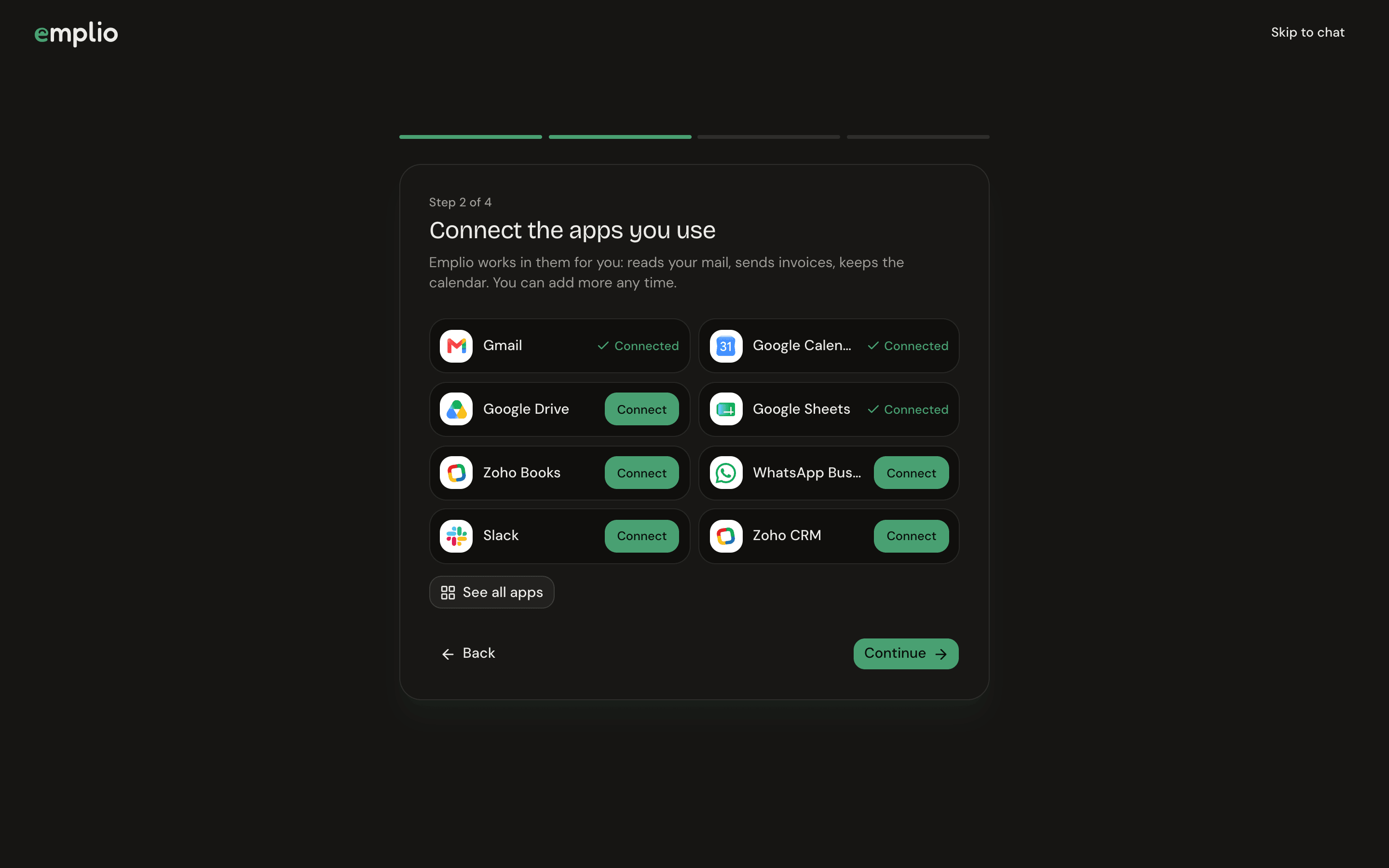
Connecting your apps
The setup chat
Your first chat starts as setup. Emplio introduces itself, reads your website and files, and asks only what it still needs: what you sell and to whom, who does what, what it should own, and what needs your OK first. It writes this down in company memory.Good first things to ask
- “Go through this week’s enquiries in Gmail and draft replies.”
- “Remind Raj to send the quote by Friday.”
- “Every weekday at 9, send me yesterday’s sales.”
- “Give new cafés 30 days’ credit from now on.”
Key ideas
Chat, work, memory, agents and approvals in one page.
Chat with Emplio
Files, voice, approvals and the live browser.