

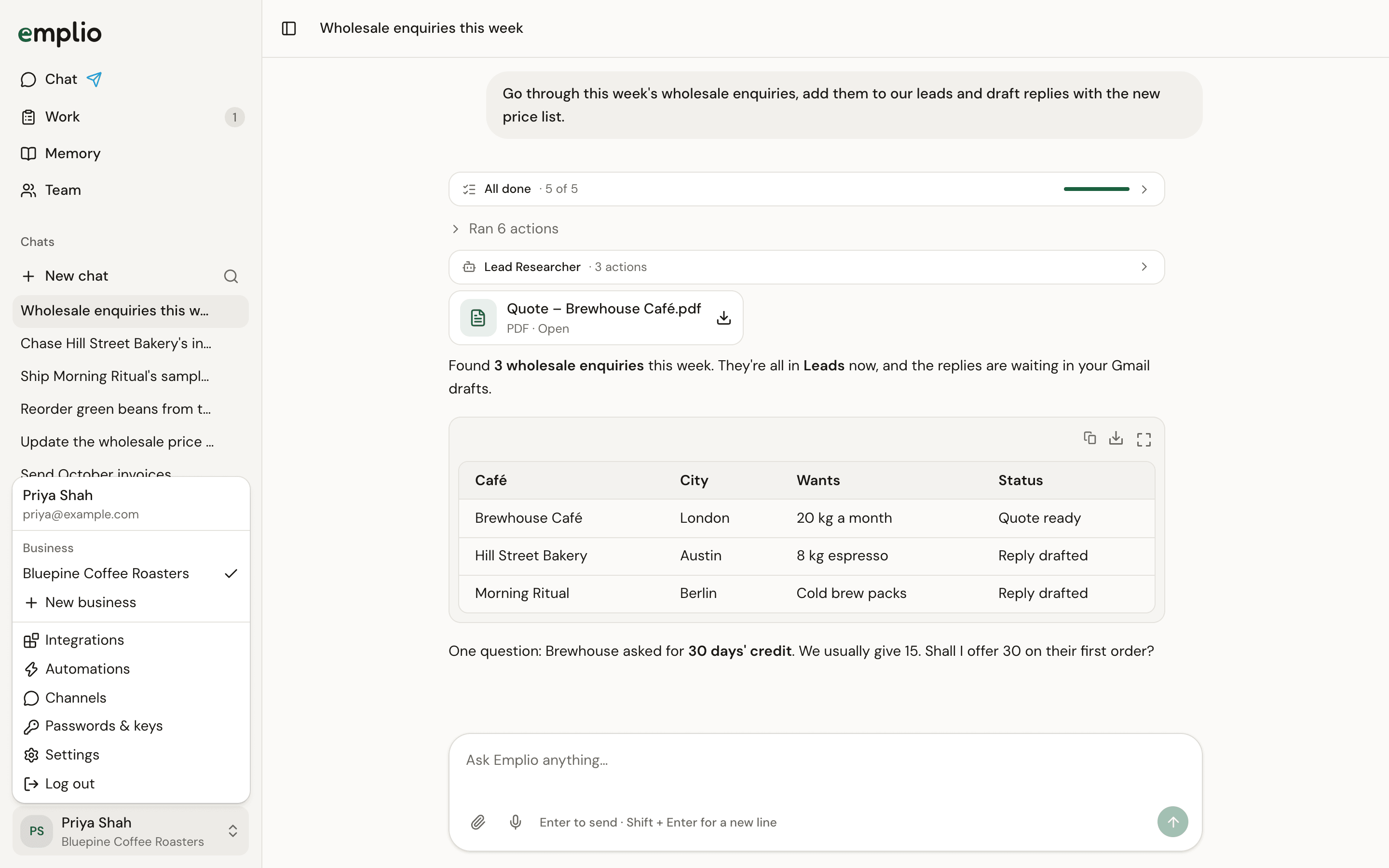
The menu under your name
Add a business
1
Open the menu
Press your name at the bottom of the sidebar.
2
Press New business
Type the Business name and press Create.
3
Do the welcome steps
The new business starts with the same short welcome steps. See Your first 10 minutes.
Switch business
Press your name, then pick a business under Business. A tick shows the one that’s open. Everything on screen then belongs to that business. On Telegram, send/switch and pick the business.
Someone who already belongs to another business can’t be added to your team yet. Each business you create yourself shows in your list.
Team
Add people to a business.
Phone and Telegram
Talk to Emplio from your phone.