

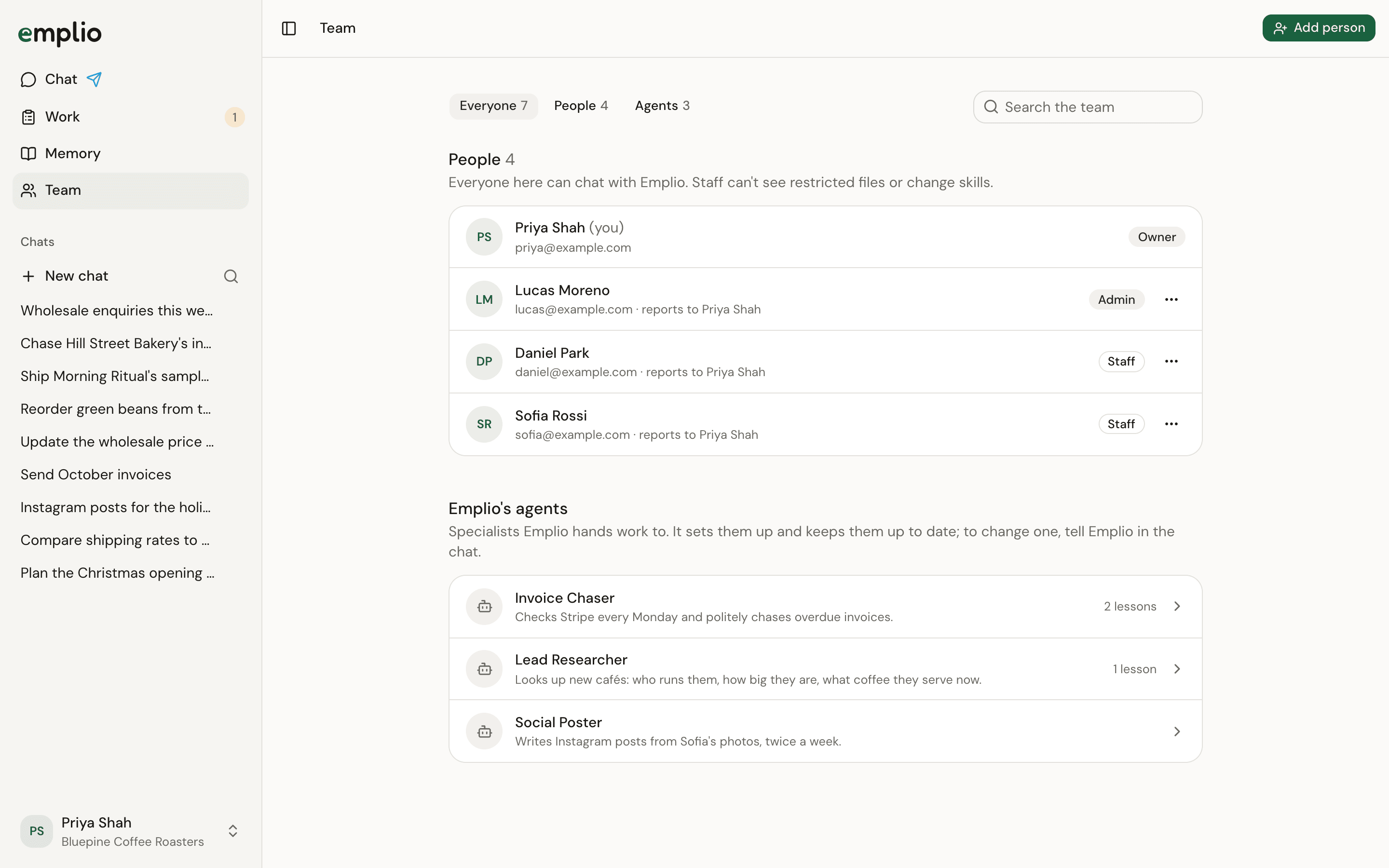
The Team page
Add someone
1
Press Add person
At the top of the Team page.
2
Enter their details
Type their Email and Full name. Tick Admin if they should see restricted files and manage the team.
3
Press Add and email
They get an email to join and can chat with Emplio right away.
Manage someone
Press the menu beside a person to:- Make admin or Make staff
- Set who they report to, or change it. A manager sees and updates their people’s tasks.
- Remove them. They lose access to Emplio and this business. You can invite them again later.
Roles
Each person gets their own computer and browser for Emplio to work in, kept apart from everyone else’s. Their connected apps and saved passwords are theirs too.
Give work to staff
Hand tasks to your team.
Memory
Who sees which notes.