

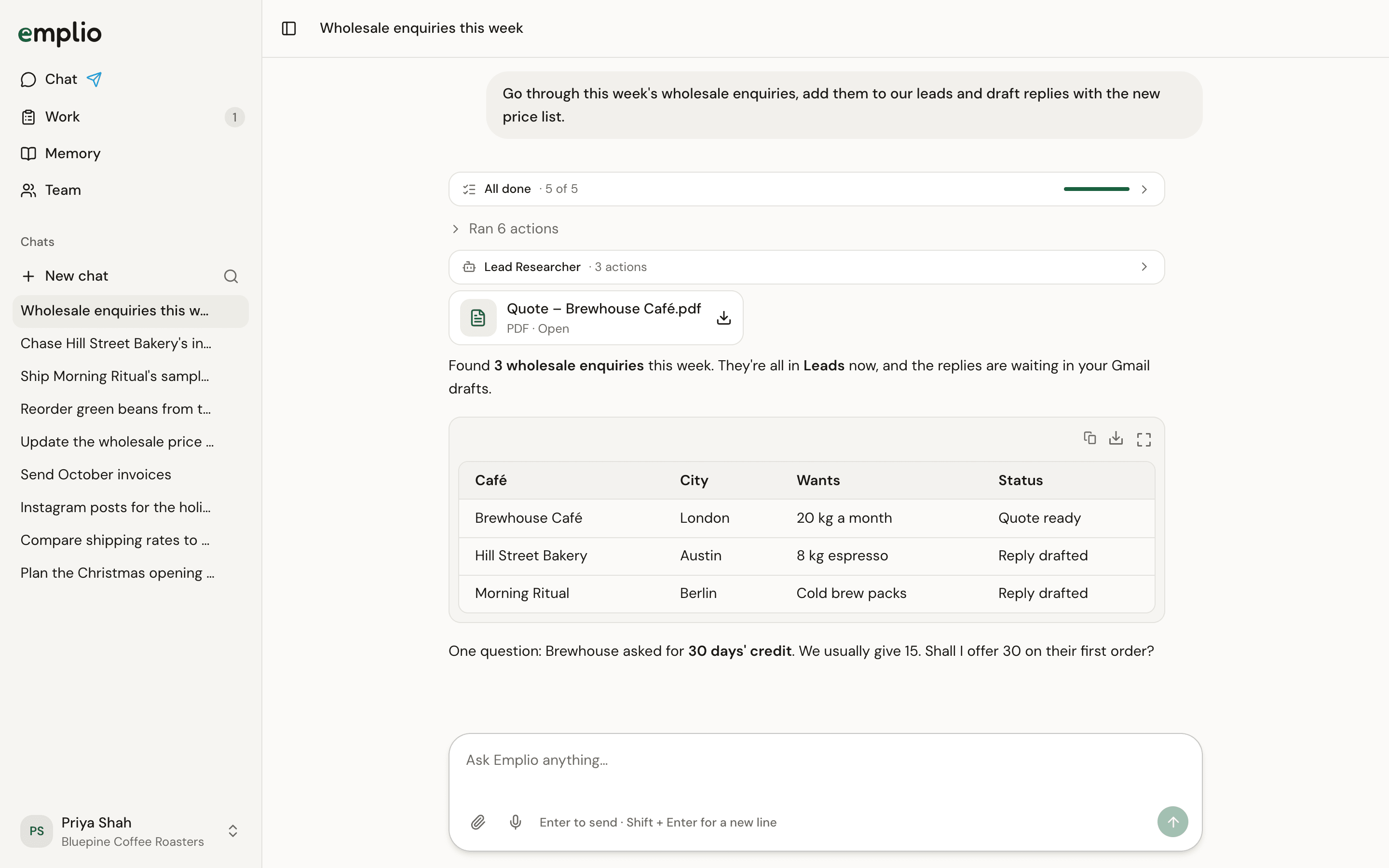
A chat with Emplio
Ask
- Type in Ask Emplio anything… and press Enter. Shift + Enter adds a new line. Send more while it works and it goes in next.
- Attach images, PDFs or text files with the paperclip, or drop them on the chat. Up to 100 MB each.
- Speak with the microphone button. Your words appear in the box to check before sending.
- Type
/to pick a skill, an automation to run now, or an app to use. - Type
@to point at a person, client or supplier, task, file, chat, app or table.
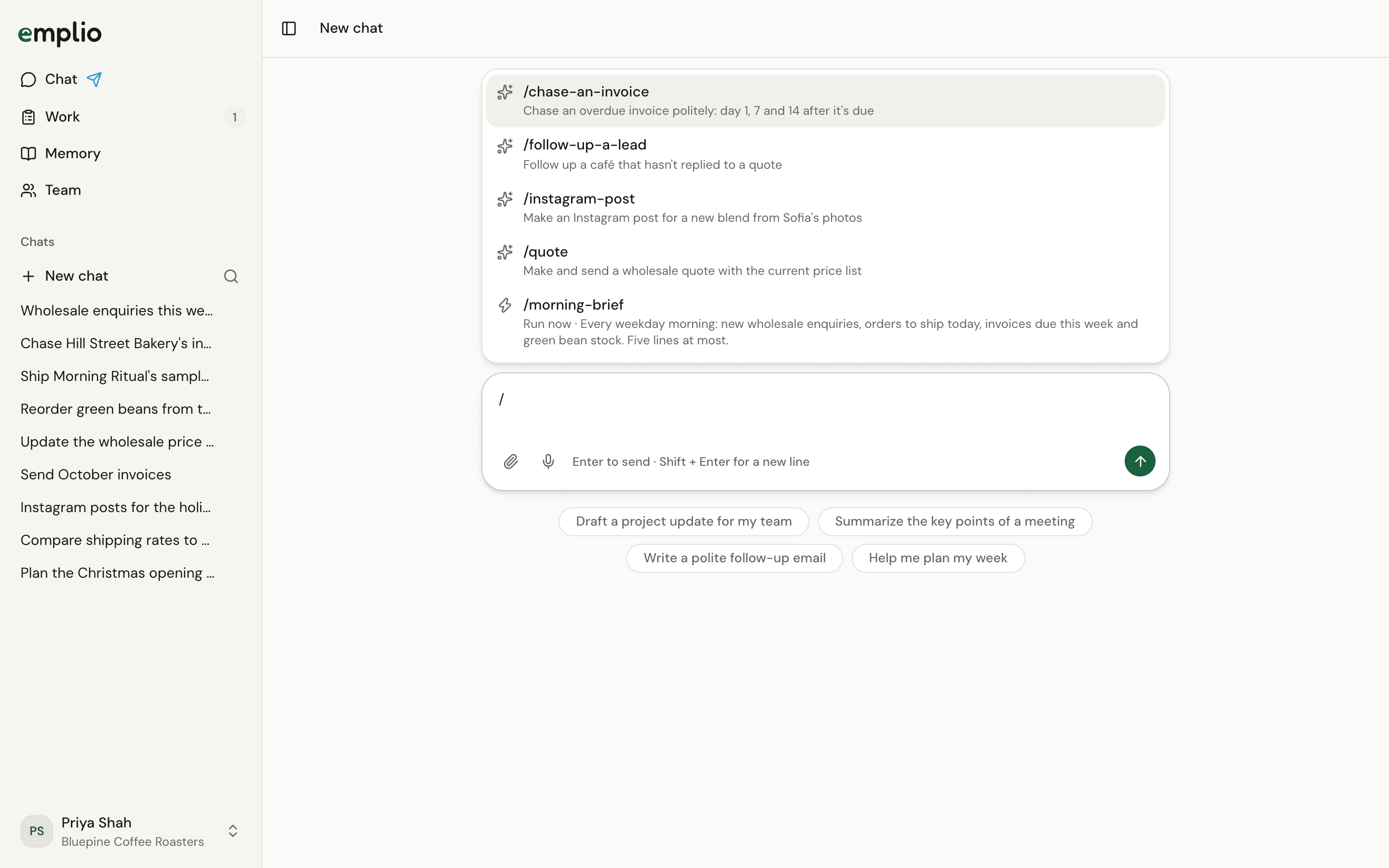
The menu in the message box
While it works
For a long job, Emplio keeps a checklist that ticks off as it goes. When it needs to know something, it asks with tap-to-answer questions.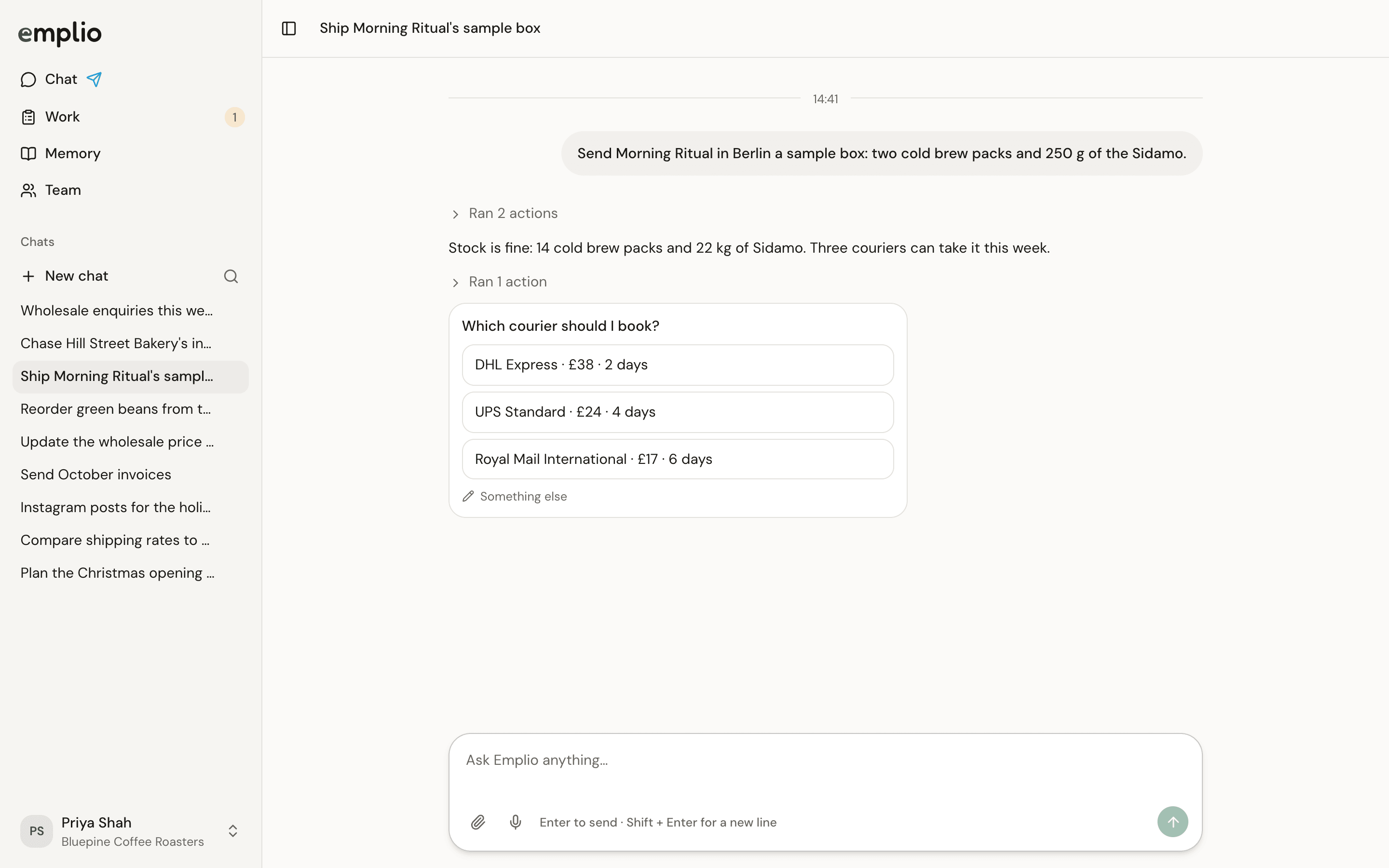
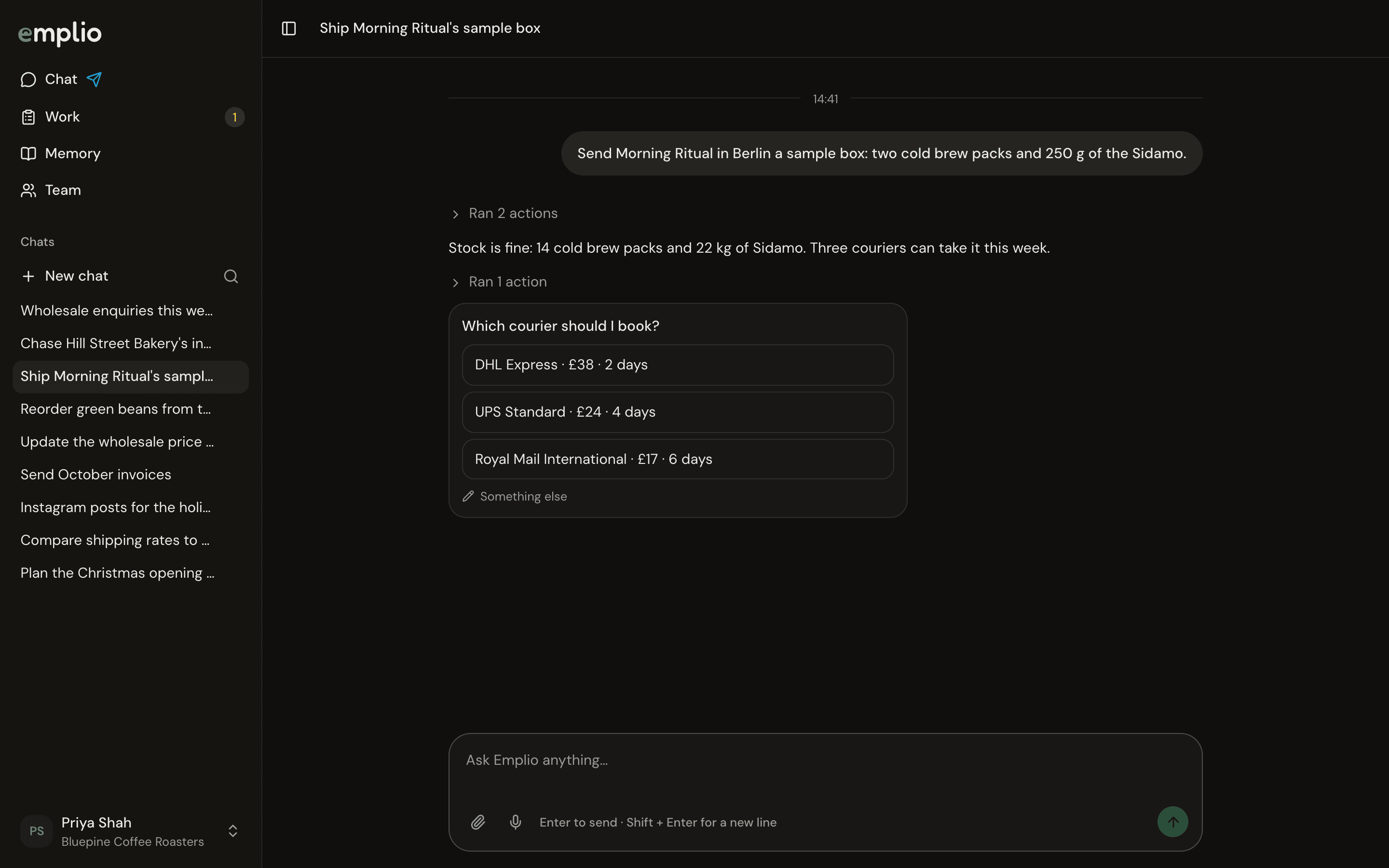
Emplio asking a question
Approve what it sends or changes
Before it sends an email or message, or edits or deletes something in your apps, Emplio shows a card. Press Allow, Always allow or Deny. A card expires after 2 hours.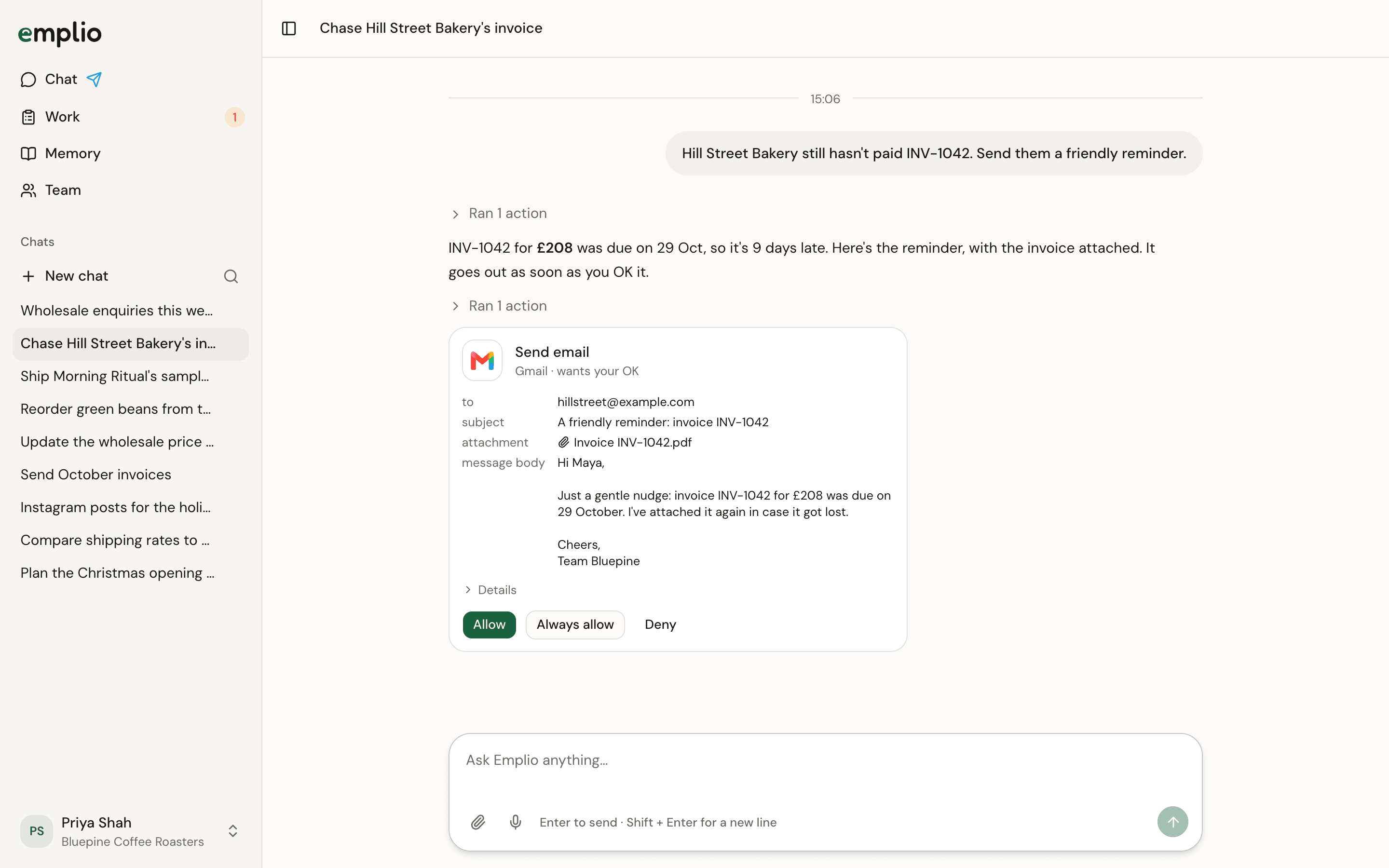
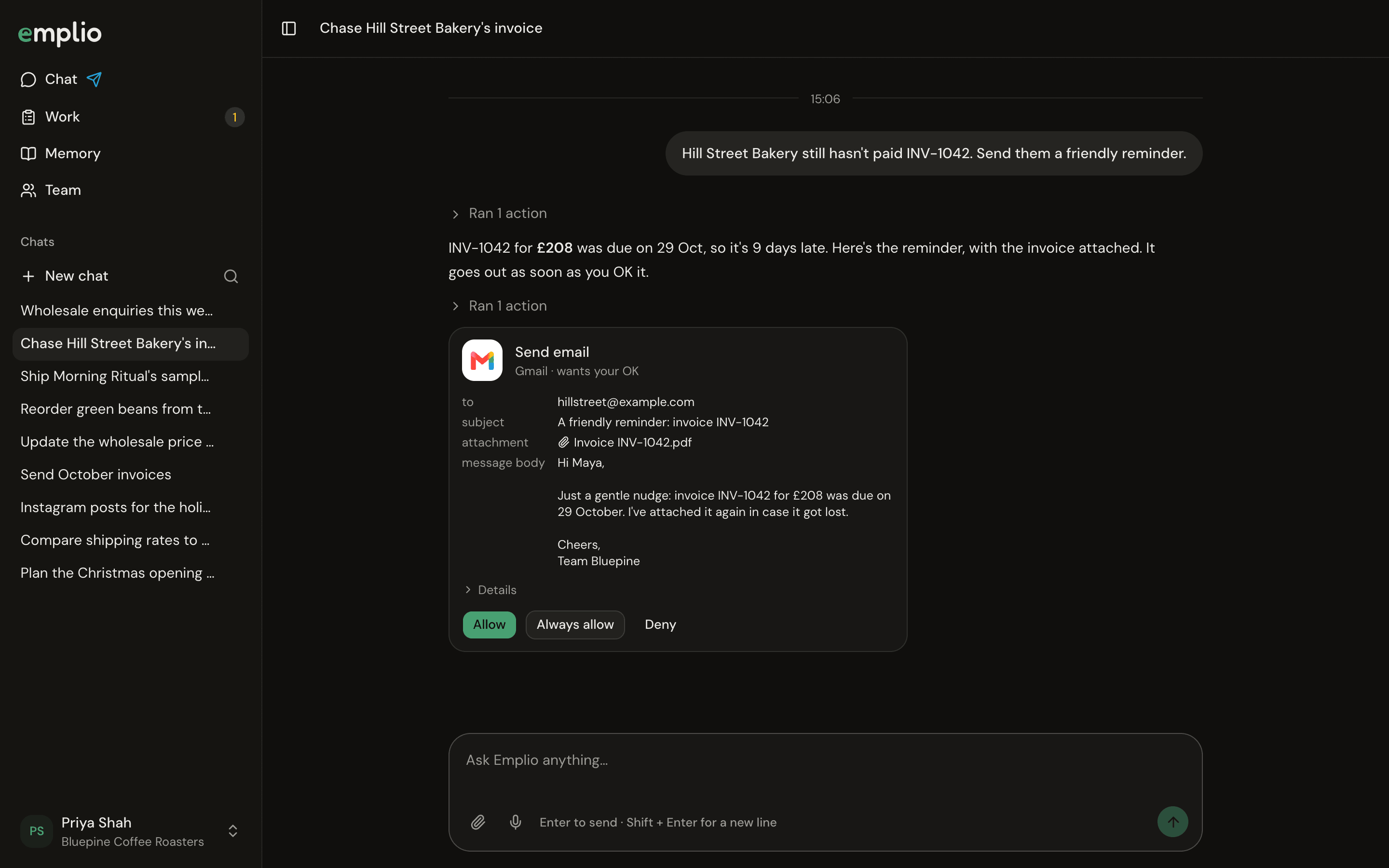
An approval card
Work in the background
Emplio can hand longer work to one of its agents. Each piece shows in the sidebar under the chat it came from: a spinner while working, a question mark when it has a question. Open it to watch or write to it. Press X to close it.Work
Tasks for people and for Emplio.
Skills
Teach Emplio a task once.