

- To be the owner or an admin to open the Database tab. Staff can still add and look up leads through the chat.
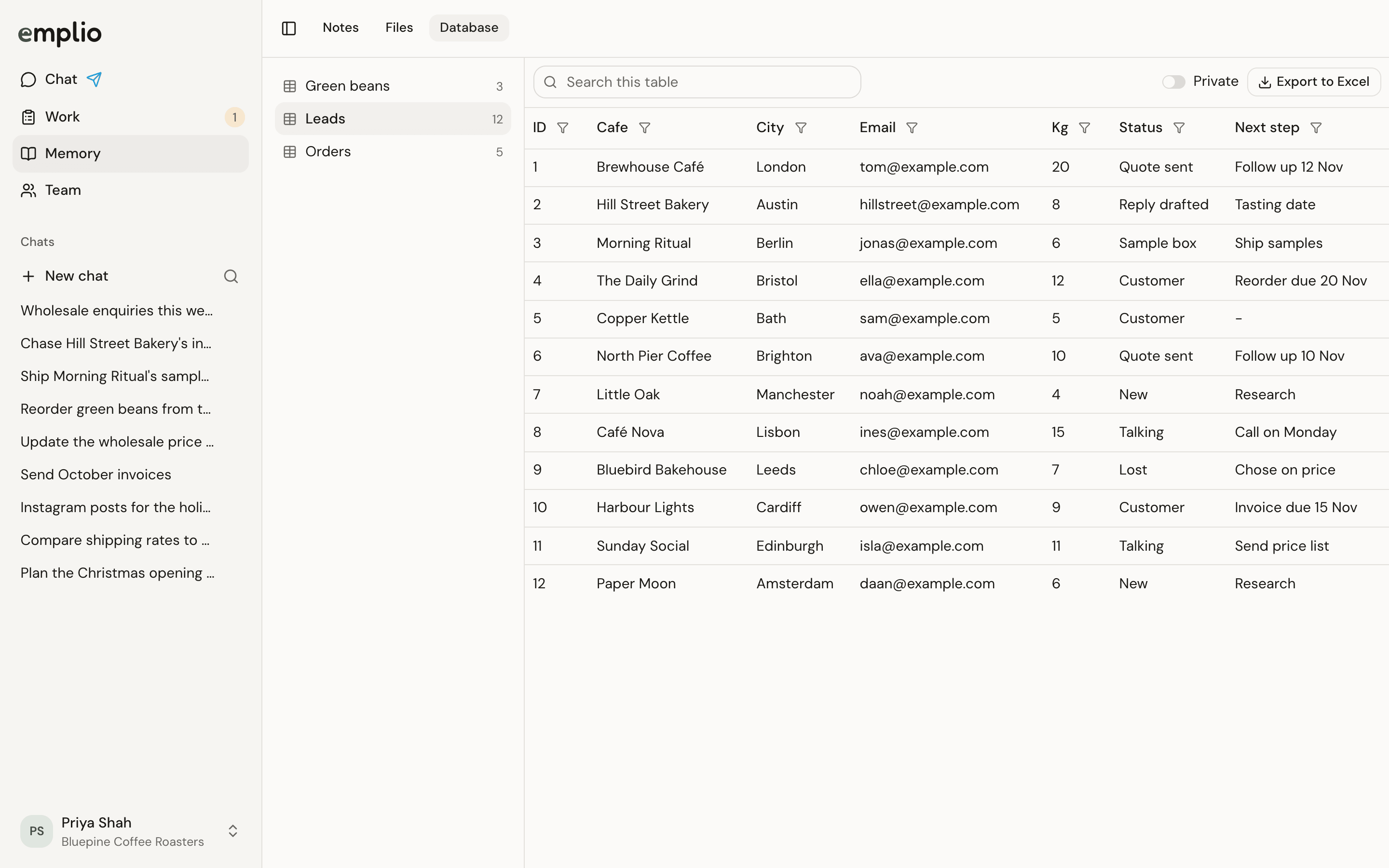
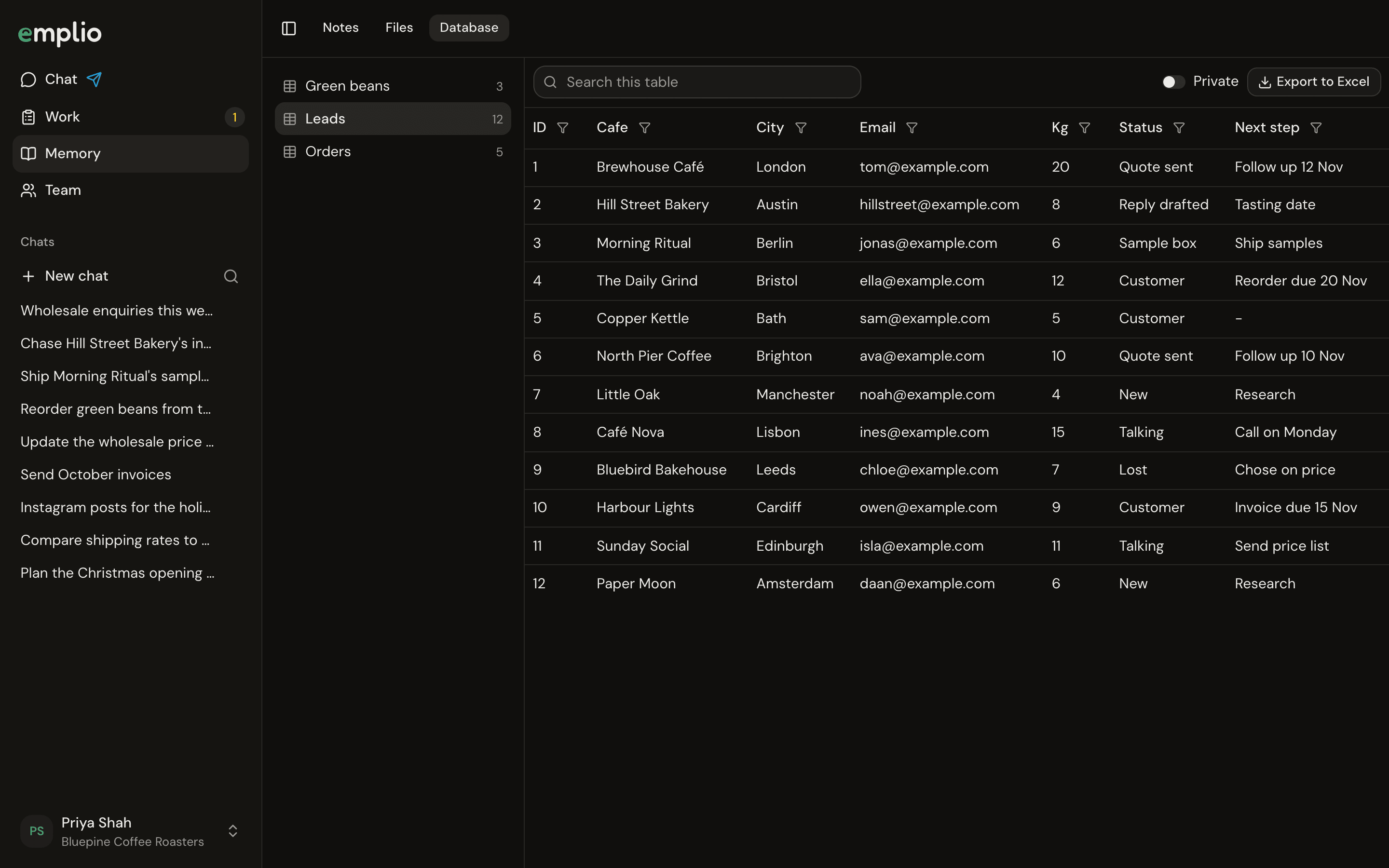
Memory, Database
1
Make the table
2
Add leads from the chat
3
Ask about them
4
Open the table
Click Memory in the sidebar, then Database, then Leads. Search, filter and sort the columns.
5
Export to Excel
Click Export to Excel. You get what’s on screen, with your search and filters applied.
Records
More on the built-in database.
Enquiries and quotes
Fill your leads from Gmail automatically.