

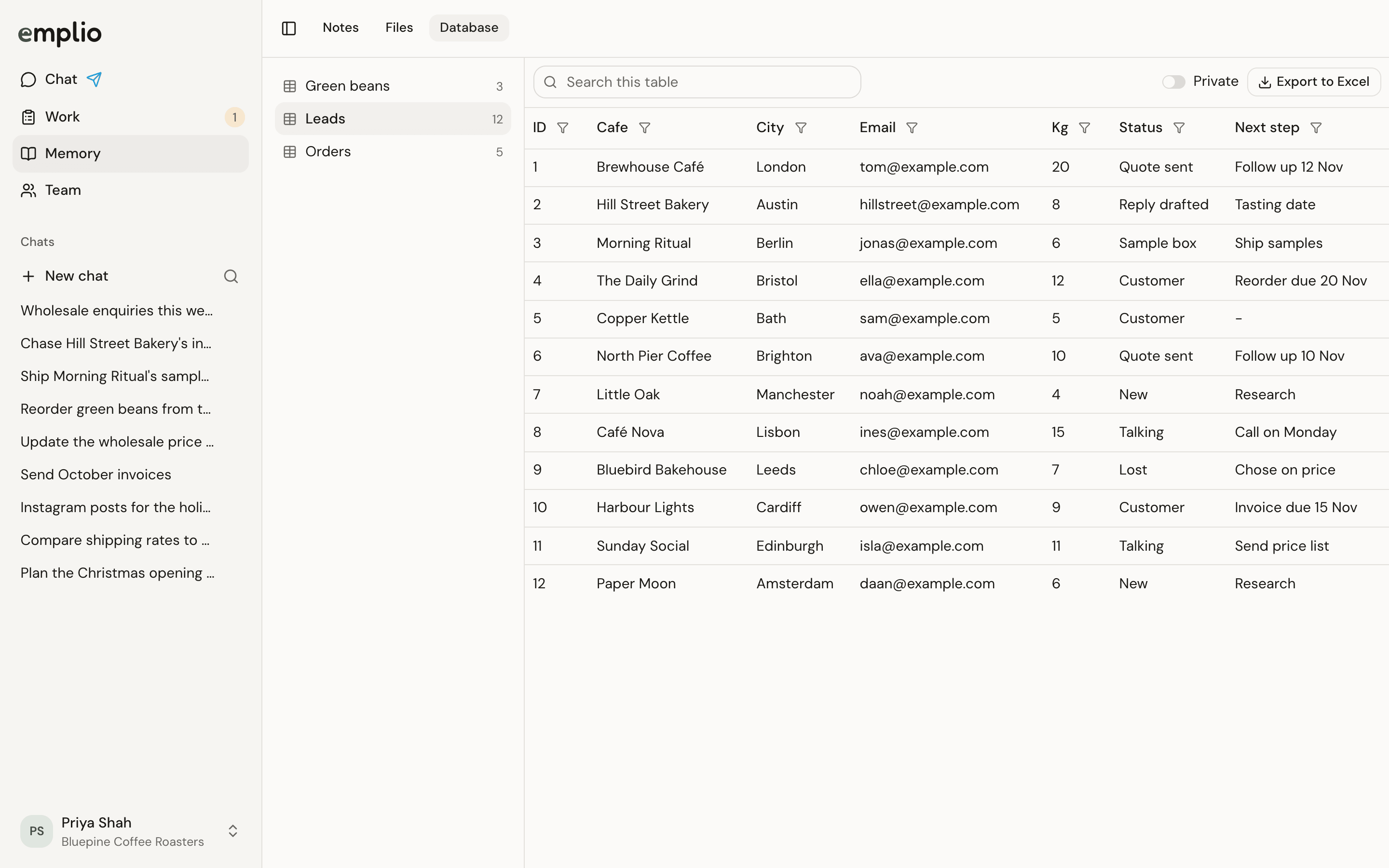
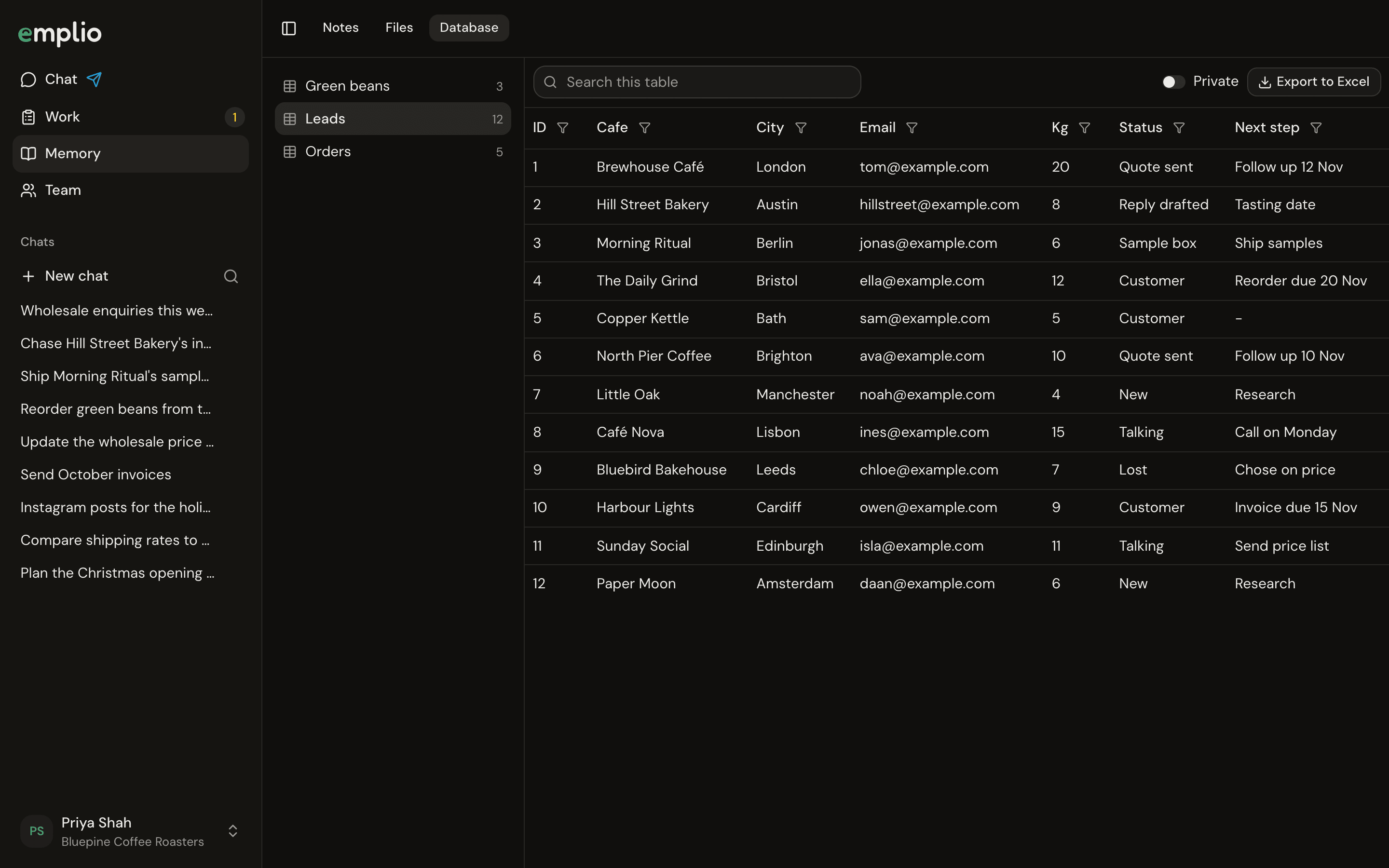
A table in the Database
Make or change a table
Ask in a chat: “Keep a table of our leads with name, phone, source and status.” Emplio makes it and fills it in. To add a column or fix rows, just ask again.View a table
1
Pick a table
Choose it from the list on the left.
2
Search, sort and filter
Use Search this table. Click a column’s name to sort by it, or its filter button to filter it.
3
Export
Press Export to Excel to download what you see.
Who can use it
Emplio marks tables private when they hold things staff shouldn’t see, like pay or bank details. Turn Private on or off at the top of a table.
Track leads
A worked example.
Team
Owners, admins and staff.