

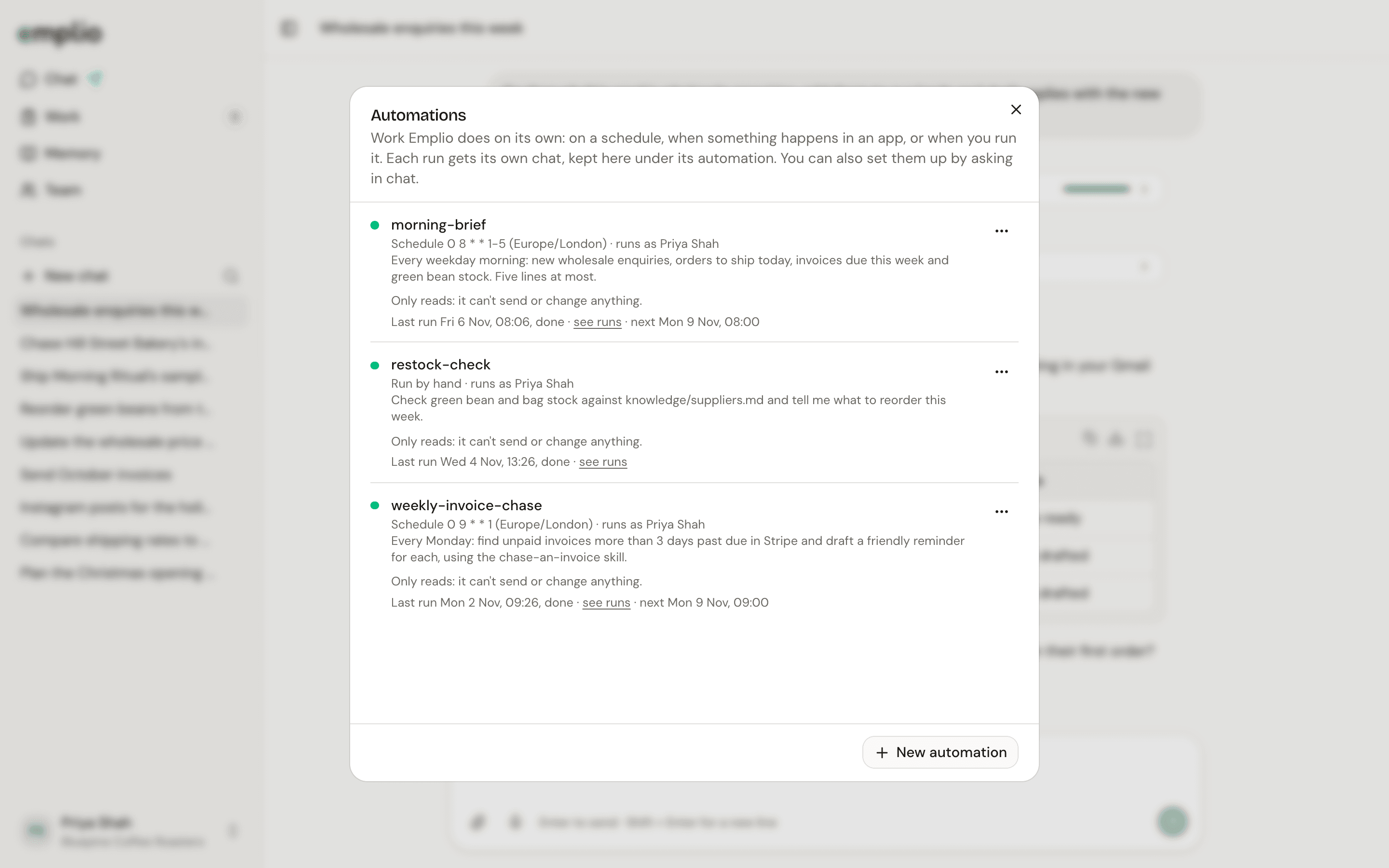
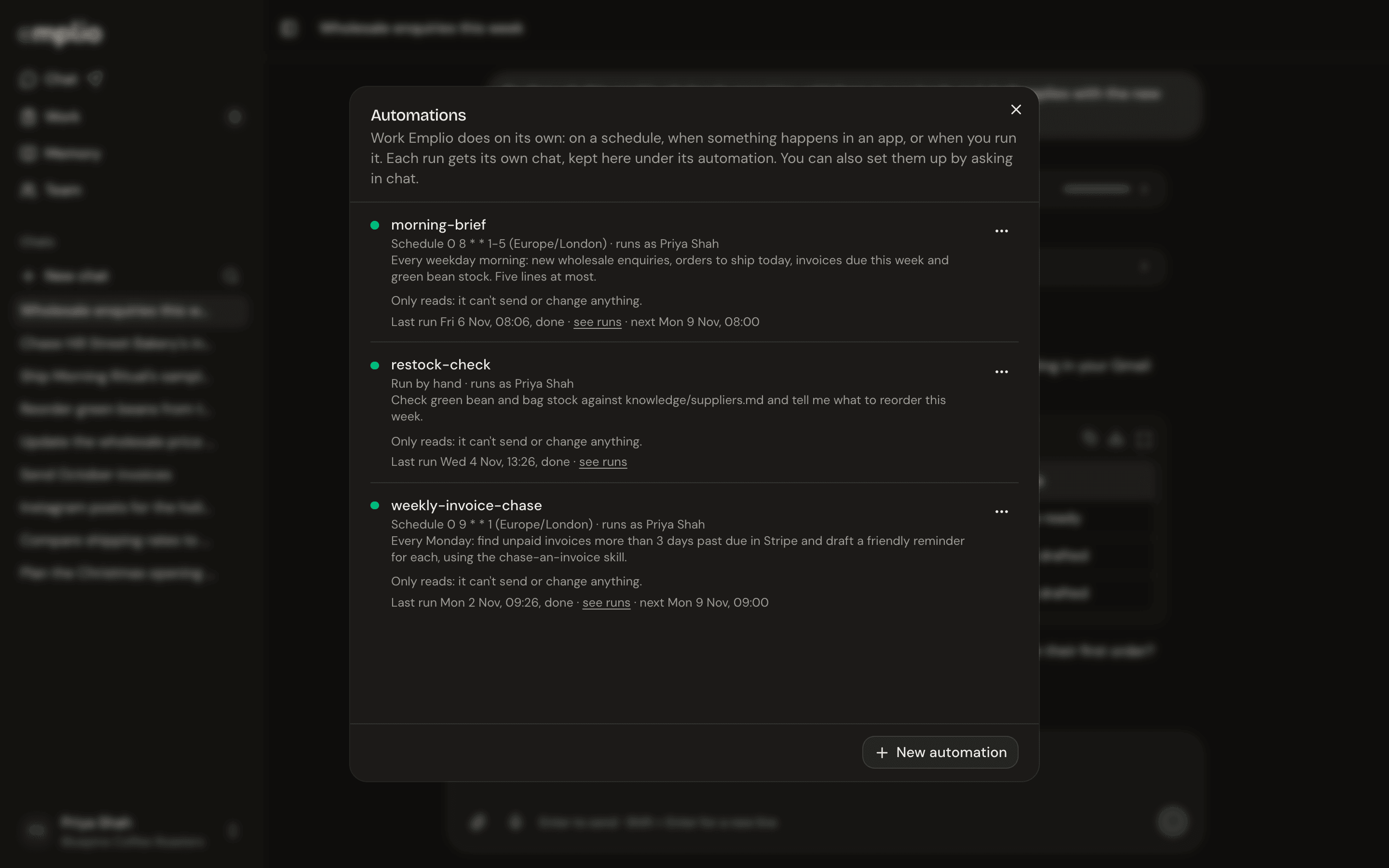
The Automations window
Make one
The easy way is to ask in a chat:Every weekday at 9, send me yesterday’s sales.
When an email comes in from a new customer, add them to our leads.Emplio sets it up for you.
Manage them
1
Open Automations
Press your name at the bottom of the sidebar, then Automations.
2
Check each one
You see what starts it, who it runs as, its last run and its next run. Press the last run to open its chat.
3
Change it
Use the menu beside it: Run now, Turn off or Turn on, Edit or Delete.
Built-in check-ins
Emplio also works on its own through the day, without any automation:
Each team member gets their own brief and report too. Change the times in Settings.
Daily brief
A worked example.
Integrations
Connect the apps automations use.