

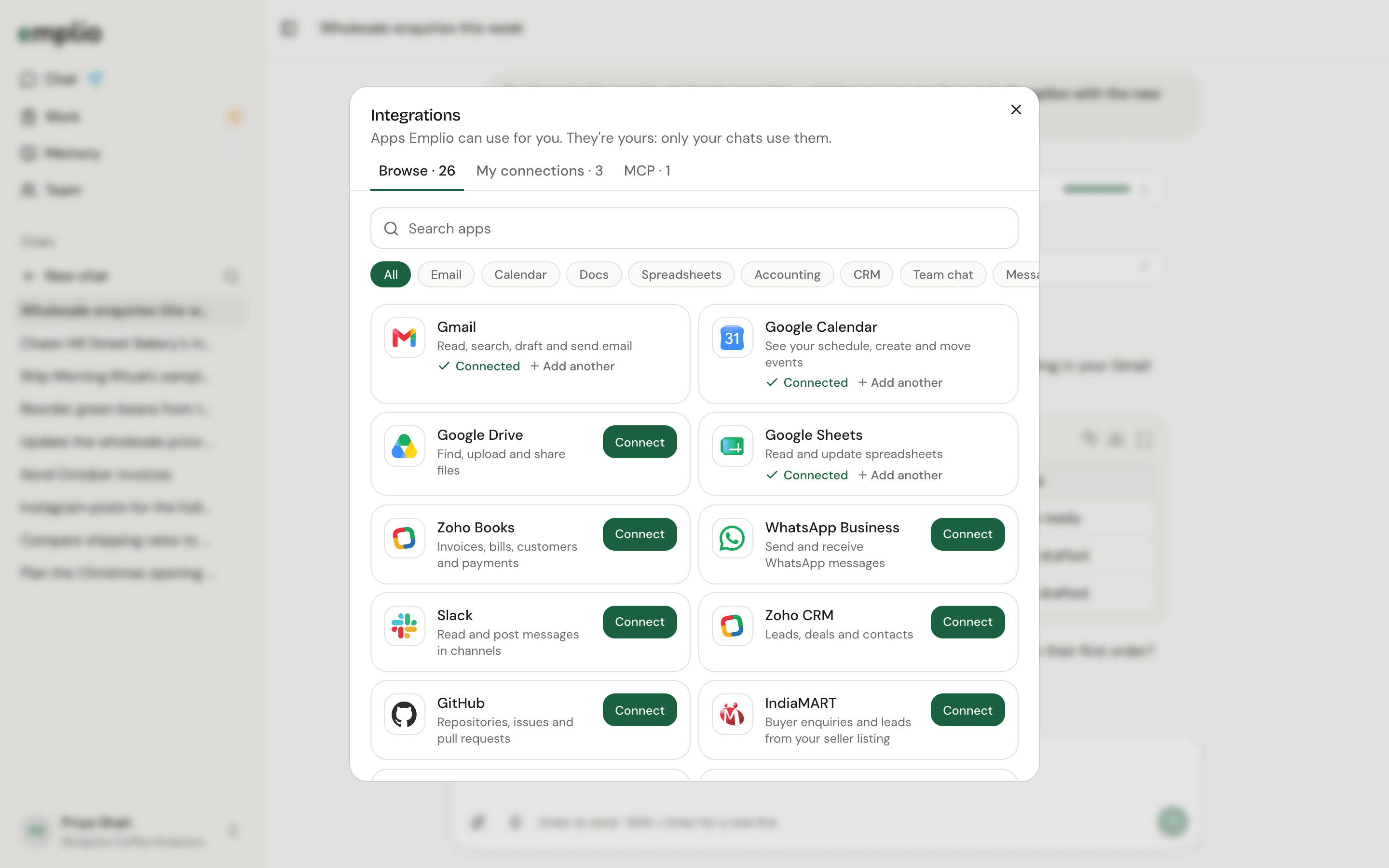
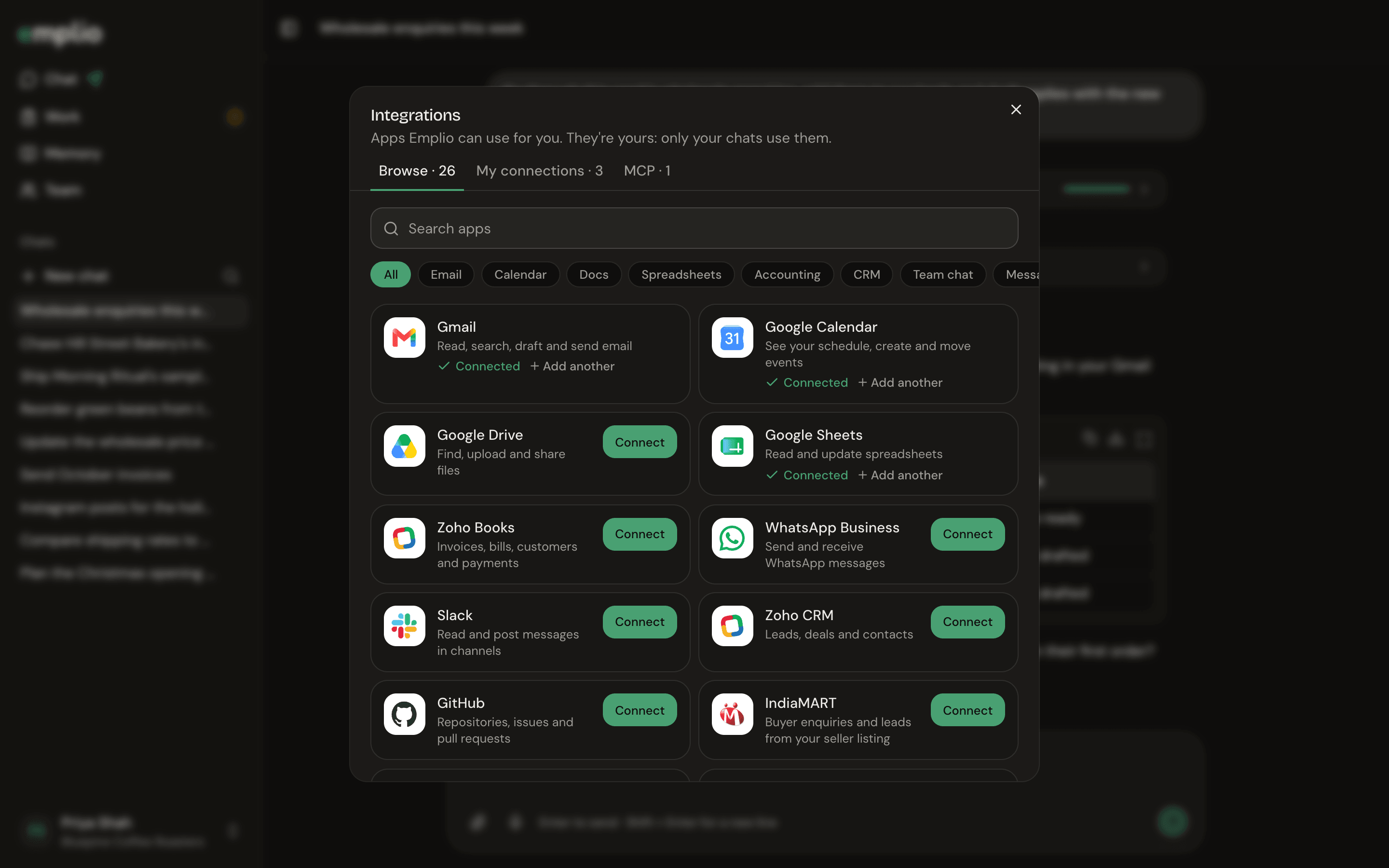
Browsing apps to connect
Connect an app
1
Open Integrations
Press your name at the bottom of the sidebar, then Integrations.
2
Find the app
On Browse, search or pick a category.
3
Press Connect
Sign in to the app in the small window that opens. Some apps ask you to paste a key instead. It’s stored encrypted and Emplio never sees it.
Apps you can connect
Approvals
Looking things up never asks. Before Emplio sends, edits or deletes anything in an app, it asks you in the chat: Allow, Always allow or Deny. To undo an Always allow, remove it under Always allowed in Settings.MCP servers
The MCP tab adds tools from other services by their MCP address. The whole team can use them. Only owners and admins can add them.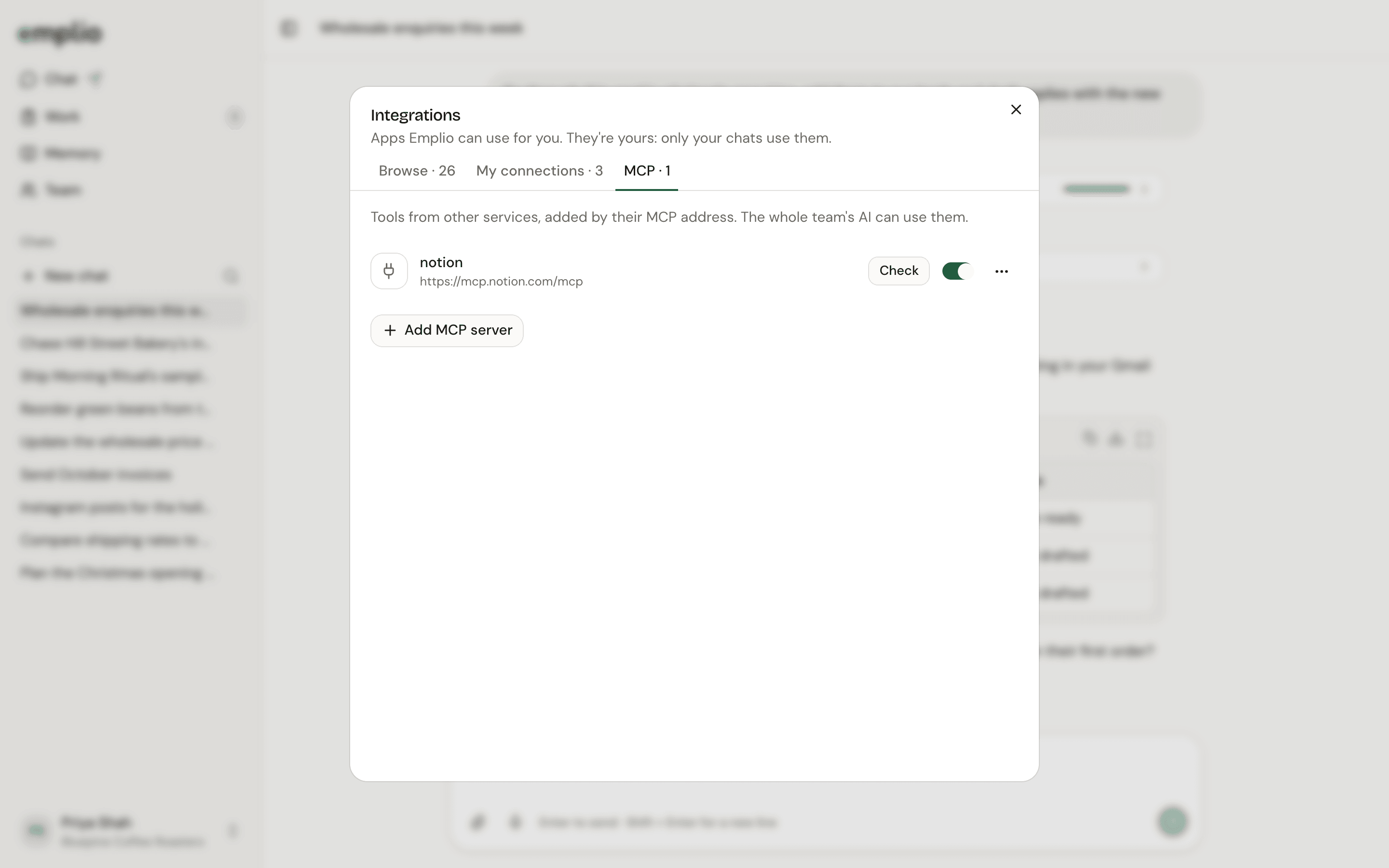
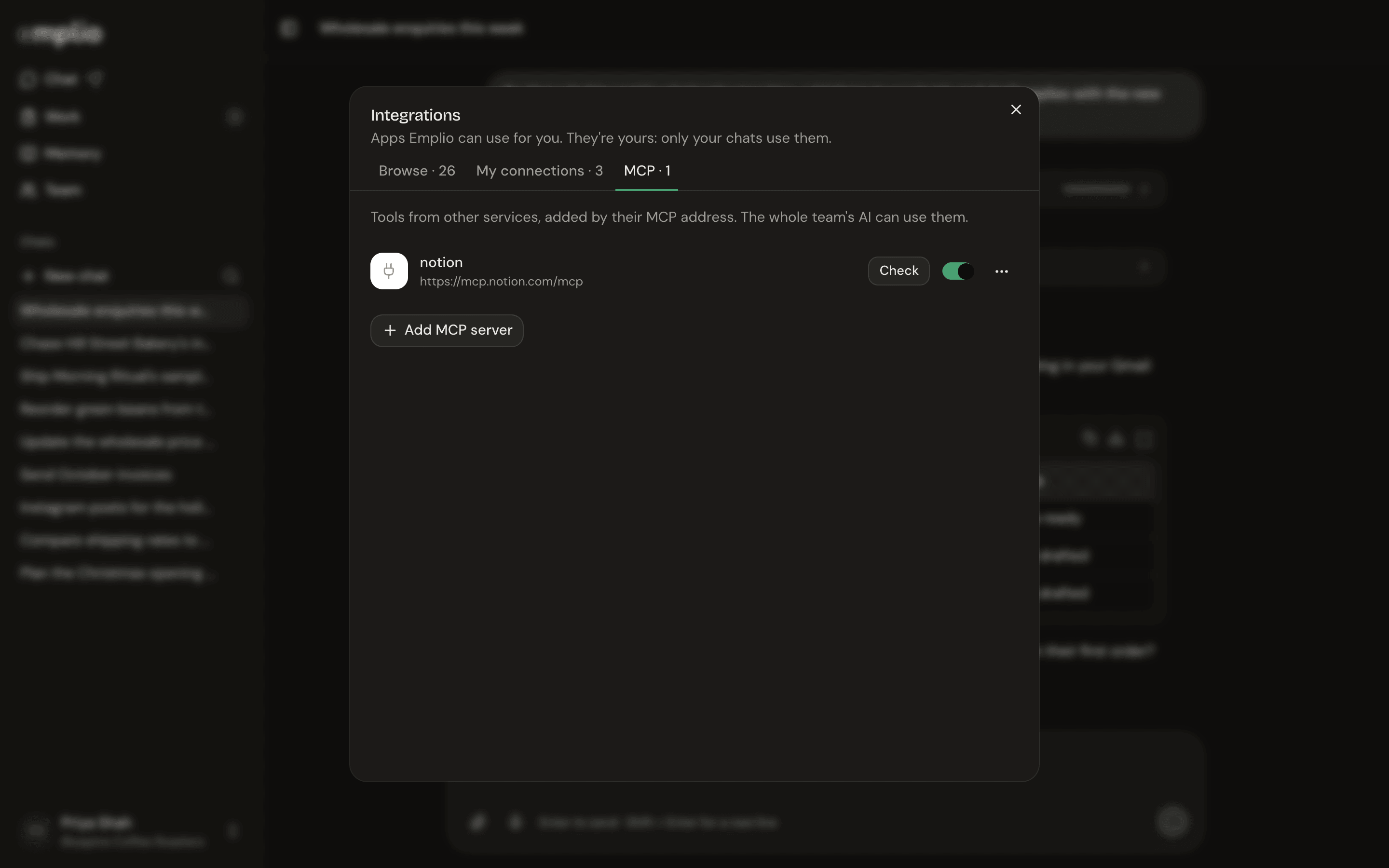
The MCP tab
Running Emplio yourself? Most sign-in apps need a key on your server first. Apps that take a pasted key work straight away. See Optional features.
Connect Gmail and Calendar
A worked example.
Passwords and keys
For sites without an app.