

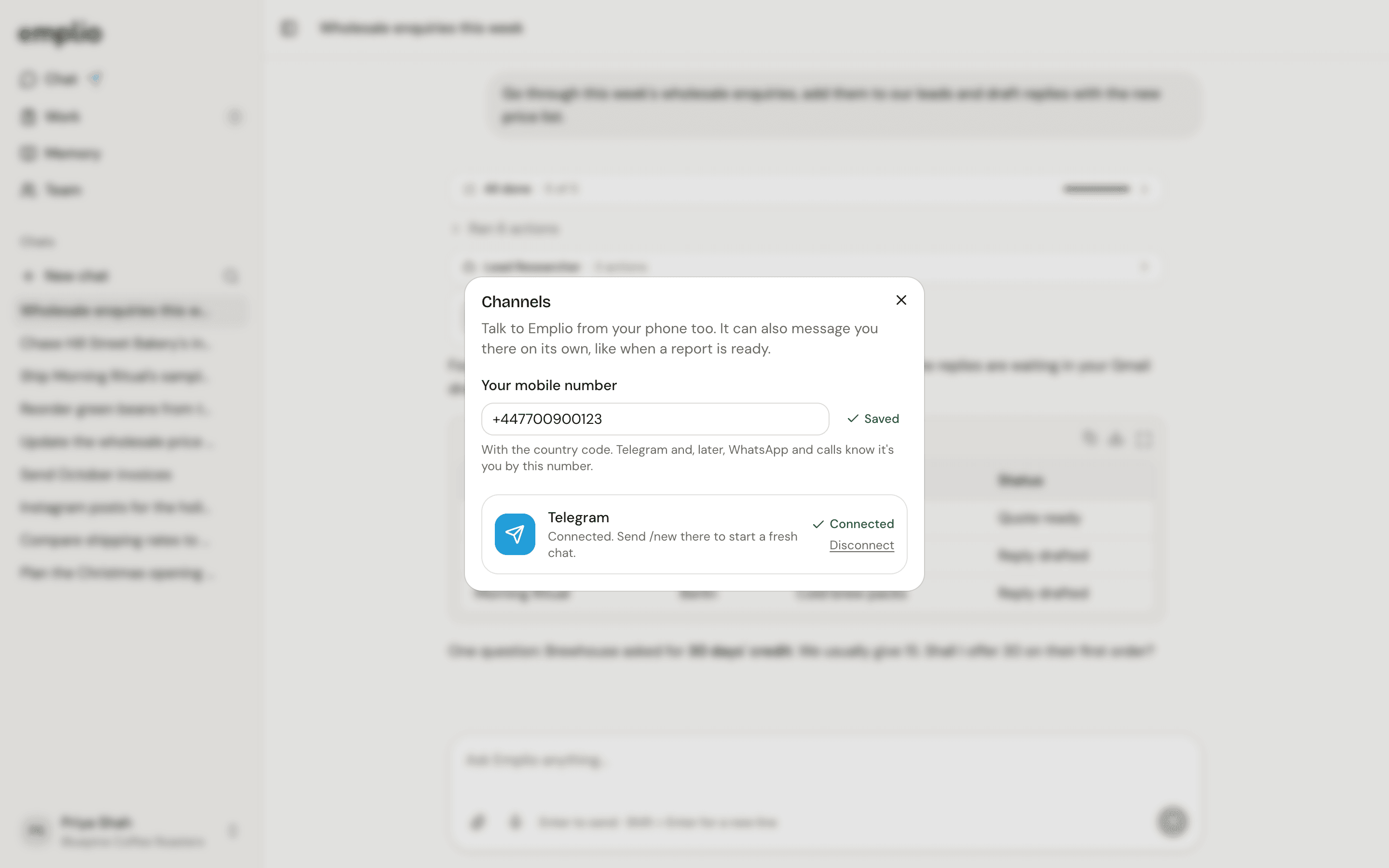
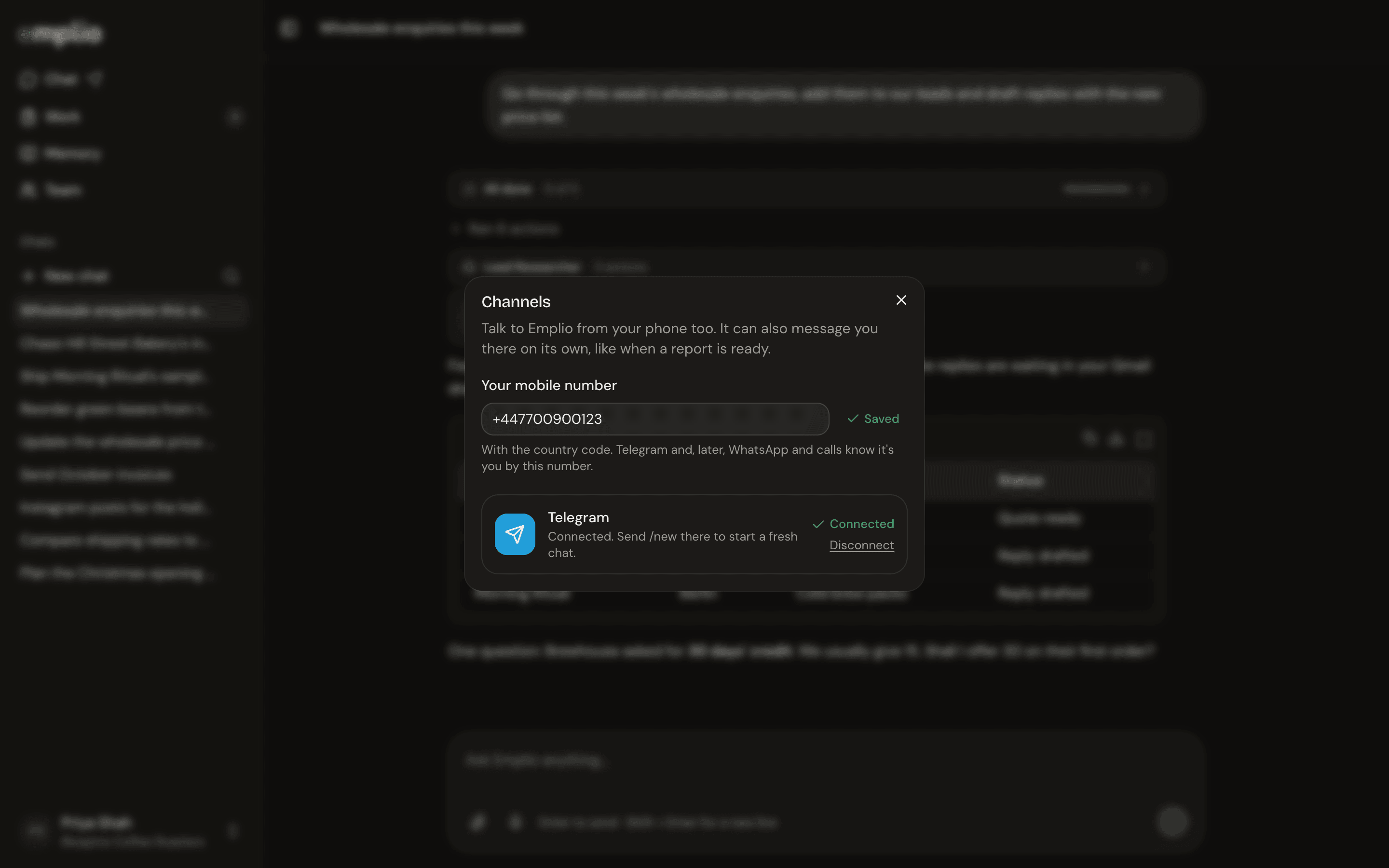
The Channels window
Connect Telegram
1
Open Channels
Press your name at the bottom of the sidebar, then Channels. Or press Connect Telegram in the sidebar.
2
Save your mobile number
Type it with the country code in Your mobile number. This is how Emplio knows it’s you.
3
Press Connect
On a computer, scan the code with your phone, or press Open Telegram. Then press Start in Telegram.
On Telegram
- Type, or send voice notes, photos and files.
- Tap Allow or Deny on approvals.
- Send
/newto start fresh. Emplio keeps notes on what you discussed. - Send
/switchto talk to another business you’re on.
Chat
Everything you can do in a chat.
More than one business
Switch between businesses.