

- A Google account. Each person connects their own, so Emplio works with your inbox when you ask and theirs when they ask.
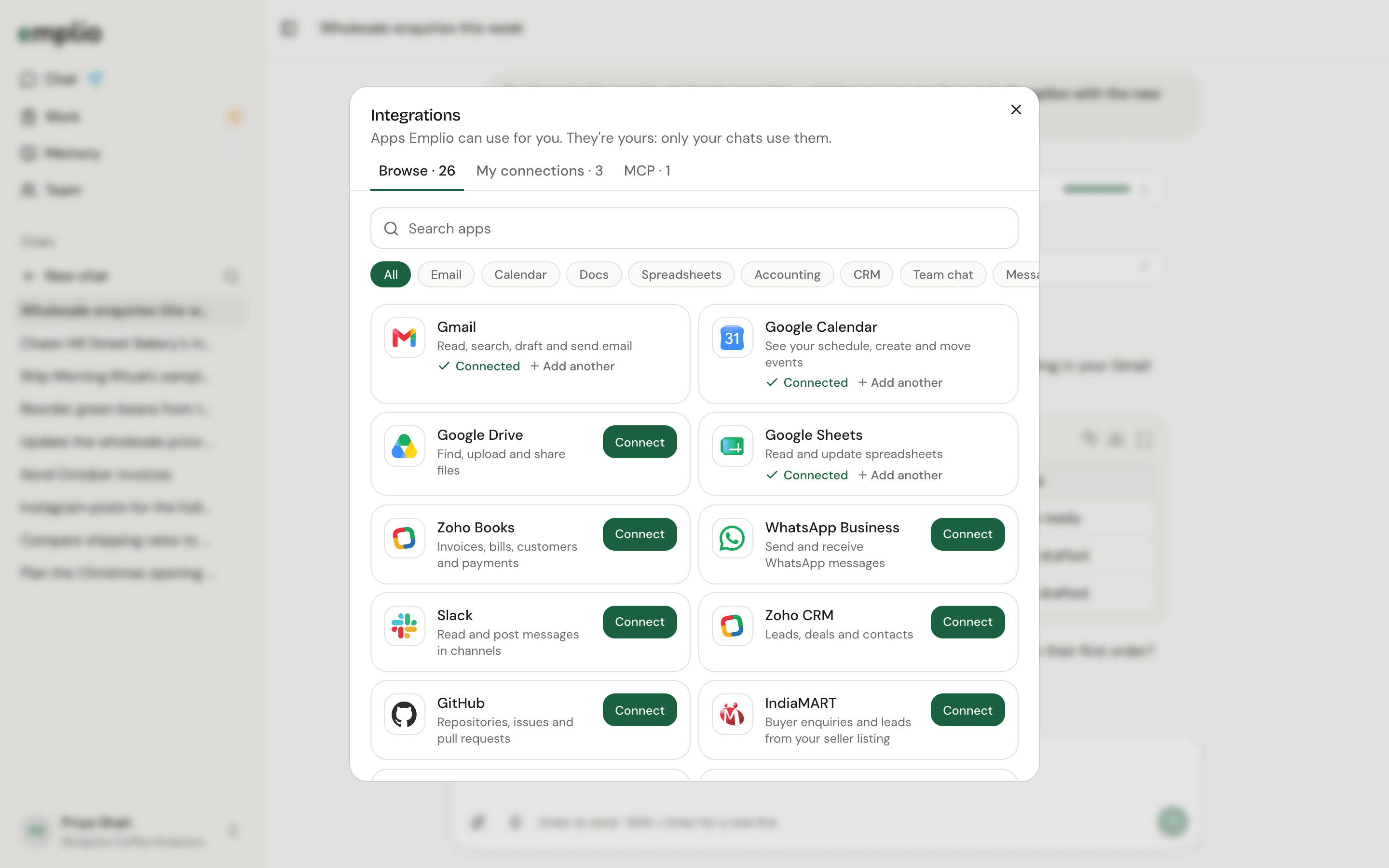
Integrations, Browse
1
Open Integrations
Open your account menu, then Integrations, then Browse.
2
Connect Gmail
Search for Gmail and click Connect. Sign in with Google in the window that opens. It closes by itself when you’re done.
3
Connect Google Calendar
Do the same for Google Calendar.
4
Check the connections
Open My connections. Each app should say Connected. If one says it expired, click Reconnect.
5
Try it
Integrations
Every app you can connect.
Daily brief
Put today’s meetings in your morning brief.