

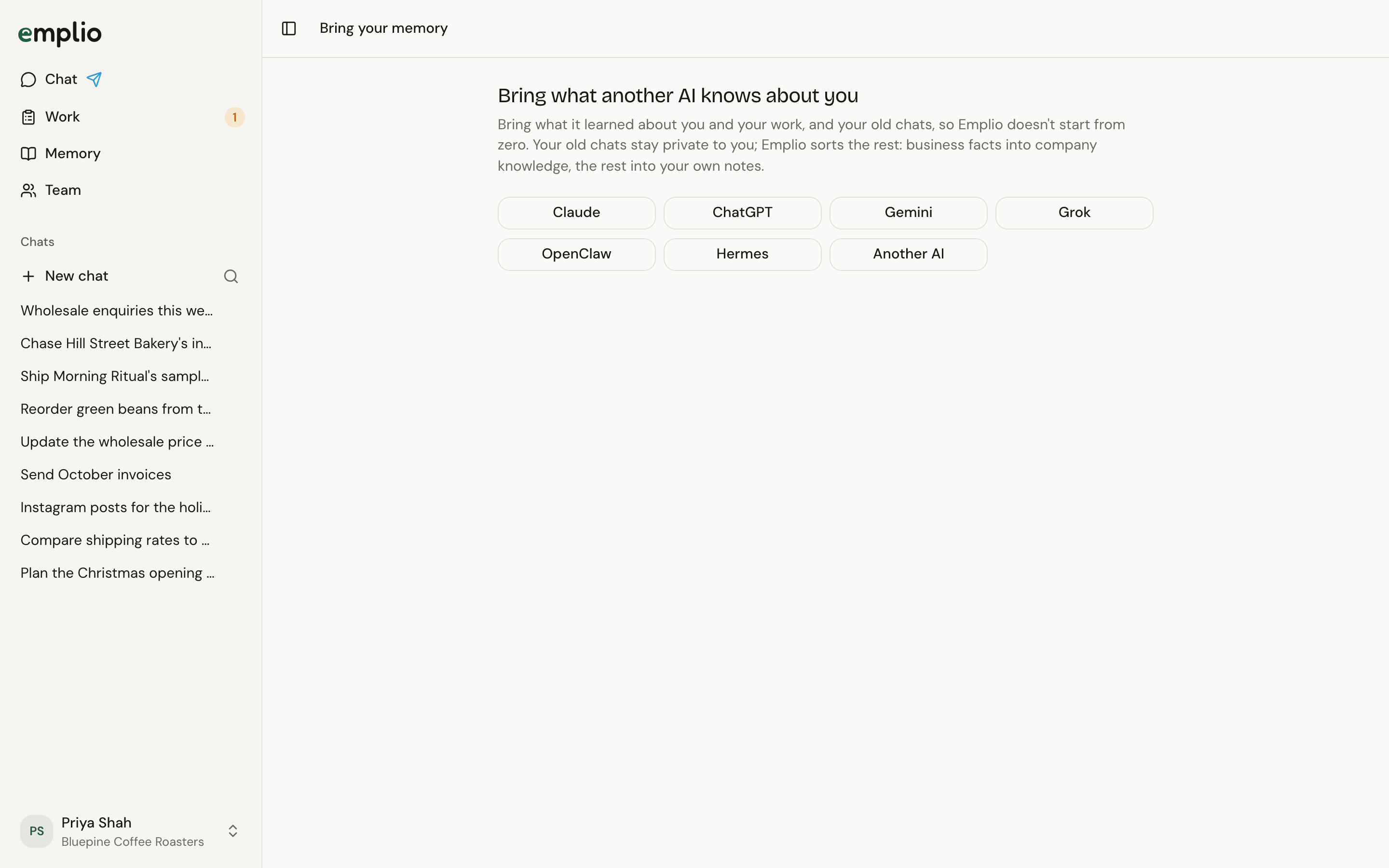
Bring your memory
The quick way, for any AI
1
Open Bring your memory
It’s the last welcome step. Later, open Settings, then Agent, and press Start under Bring your memory.
2
Pick the AI
Claude, ChatGPT, Gemini, Grok, OpenClaw, Hermes or Another AI.
3
Copy the prompt
Press Copy the prompt, send it to that AI in a new chat, and copy its whole answer.
4
Paste and save
Paste the answer, take out anything you don’t want Emplio to have, like passwords, and press Save.
Bring old chats too
For Claude, ChatGPT, OpenClaw and Hermes, press the Bring its export instead link and follow the steps shown:
Your old chats stay private to you. Emplio sorts the rest and tells you in your main chat when it’s done.
Passwords, keys and program files in those folders are never sent.
Memory
Read what Emplio now knows.
Your first 10 minutes
The other welcome steps.