

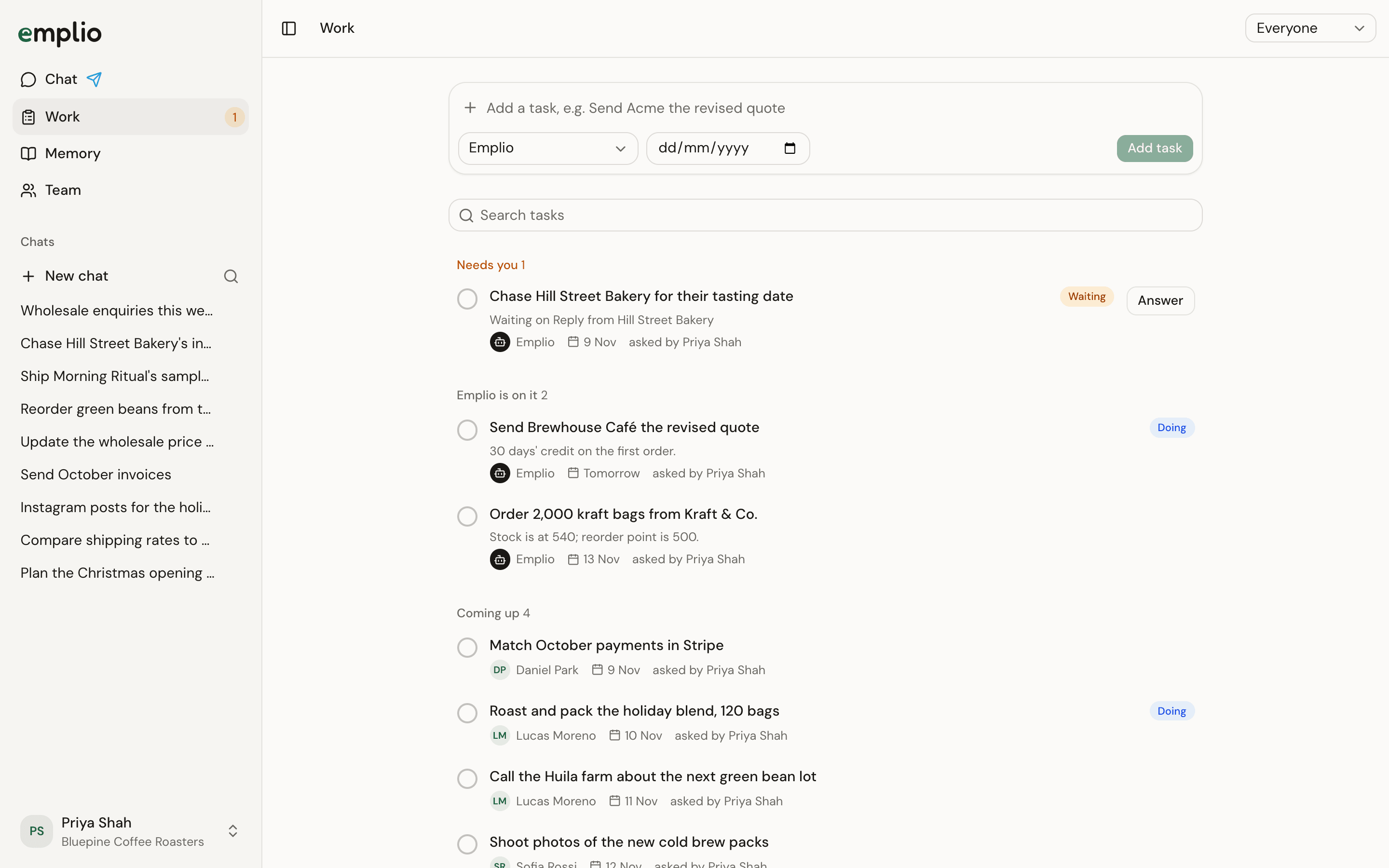
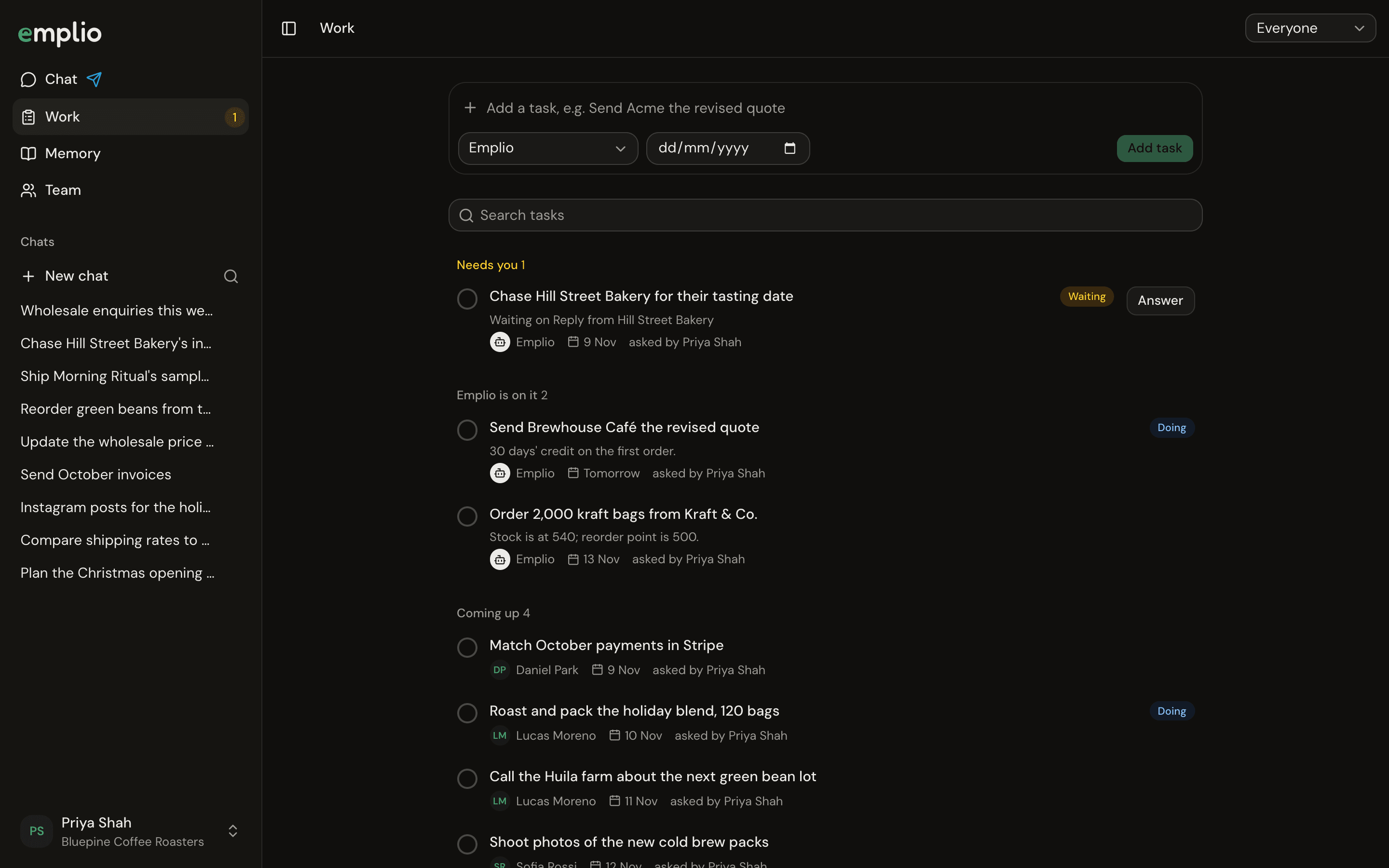
The Work page
What you see
Use the menu at the top to show Everyone, Mine or Emplio, or search tasks. Owners and admins see every task. Staff see the ones they asked for or have to do.
Add a task
1
Type it
In Add a task, write what’s to be done, like “Send Acme the revised quote”.
2
Pick who and when
Choose a person or Emplio, and a due date if there is one. Then press Enter.
Open a task
Click a task to change its Status, Who, Due and How to do it. For Emplio’s tasks, press Start now, or open its work on it. Press Mark done when it’s finished.Give work to staff
A worked example.
Automations
Work that repeats.