

- Emplio Cloud
- Run it yourself
1
Open emplio.app
Go to emplio.app and click to get started.
2
Sign in with your email
Enter your Email, then the 6-digit Verification code we send you, then your Full name.
3
Tell Emplio about your business
Answer a few short questions. Every step can be skipped. See Your first 10 minutes.
4
Pick a plan
Choose a plan or a 7-day pass. See Plans and usage.
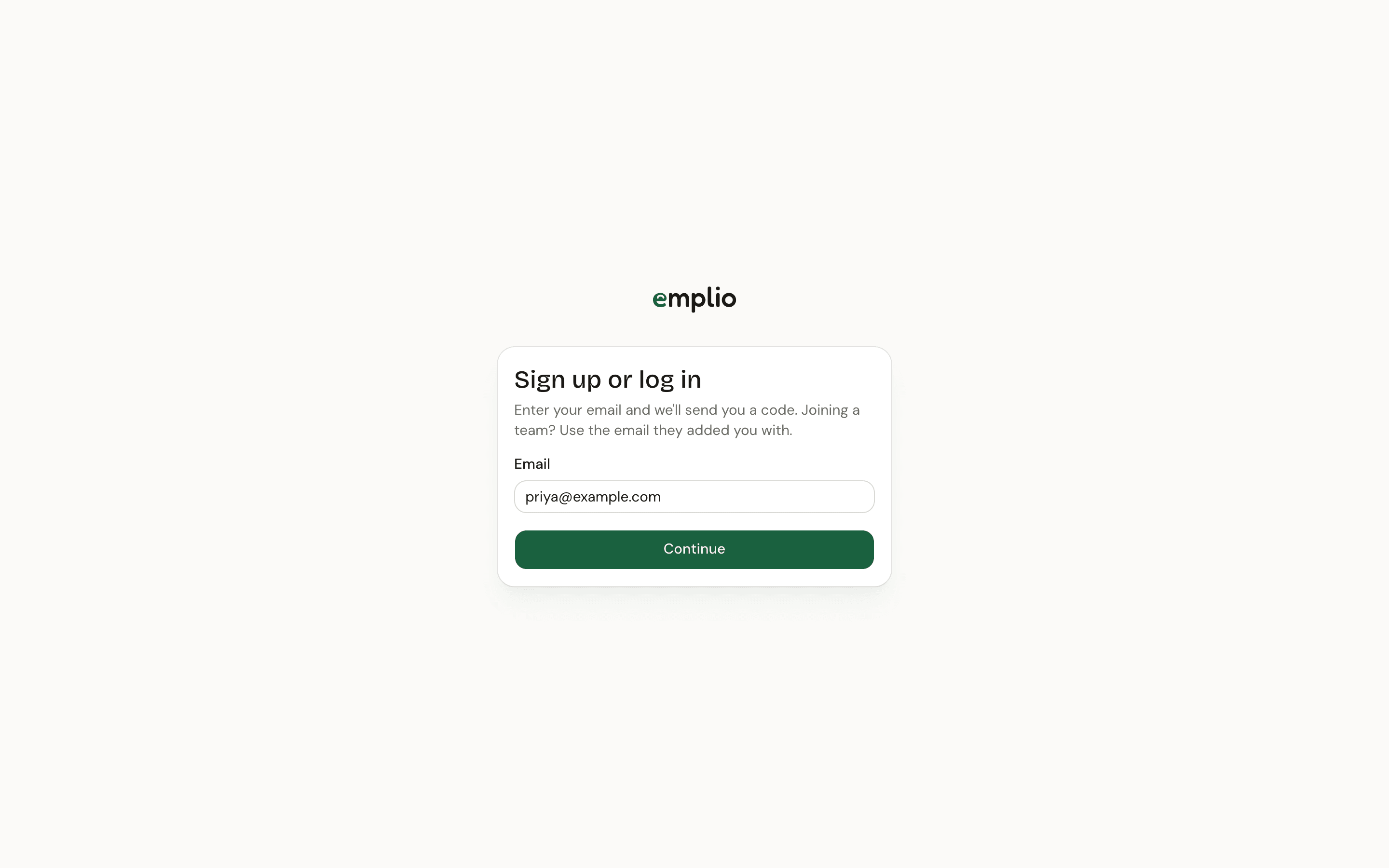
Signing in with an email code
Give it its first job
Type what you need in the chat, the way you’d ask a colleague:Go through this week’s enquiries in Gmail, add them to our leads, and draft replies.Emplio shows each step as it works, and asks you before it sends, changes or deletes anything in your apps.
Your first 10 minutes
What the setup steps do and what to try first.
Key ideas
Chat, work, memory, agents and approvals in one page.