

- Your team added on the Team page.
- Telegram connected for each person, if you want reminders on their phones. See Channels.
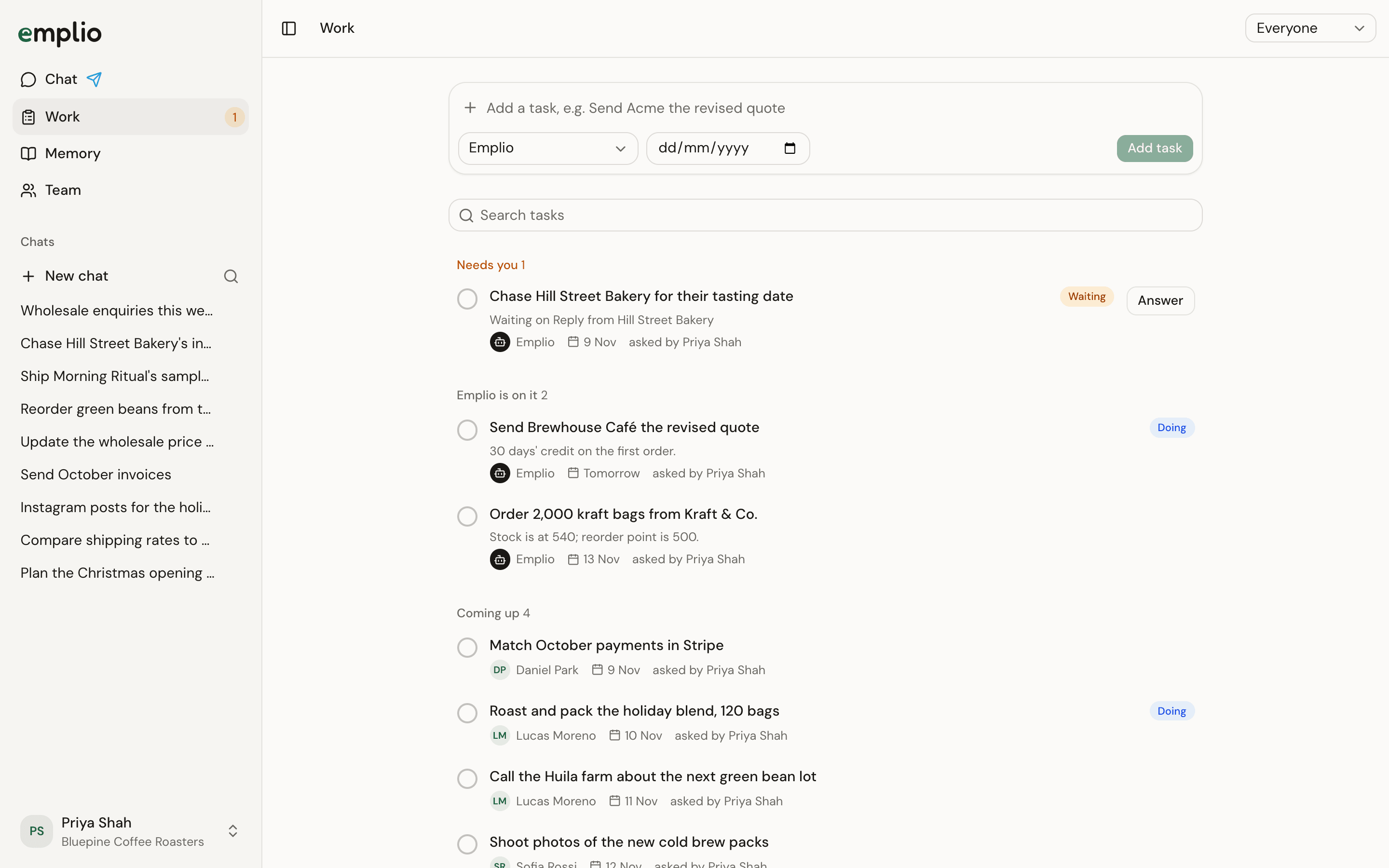
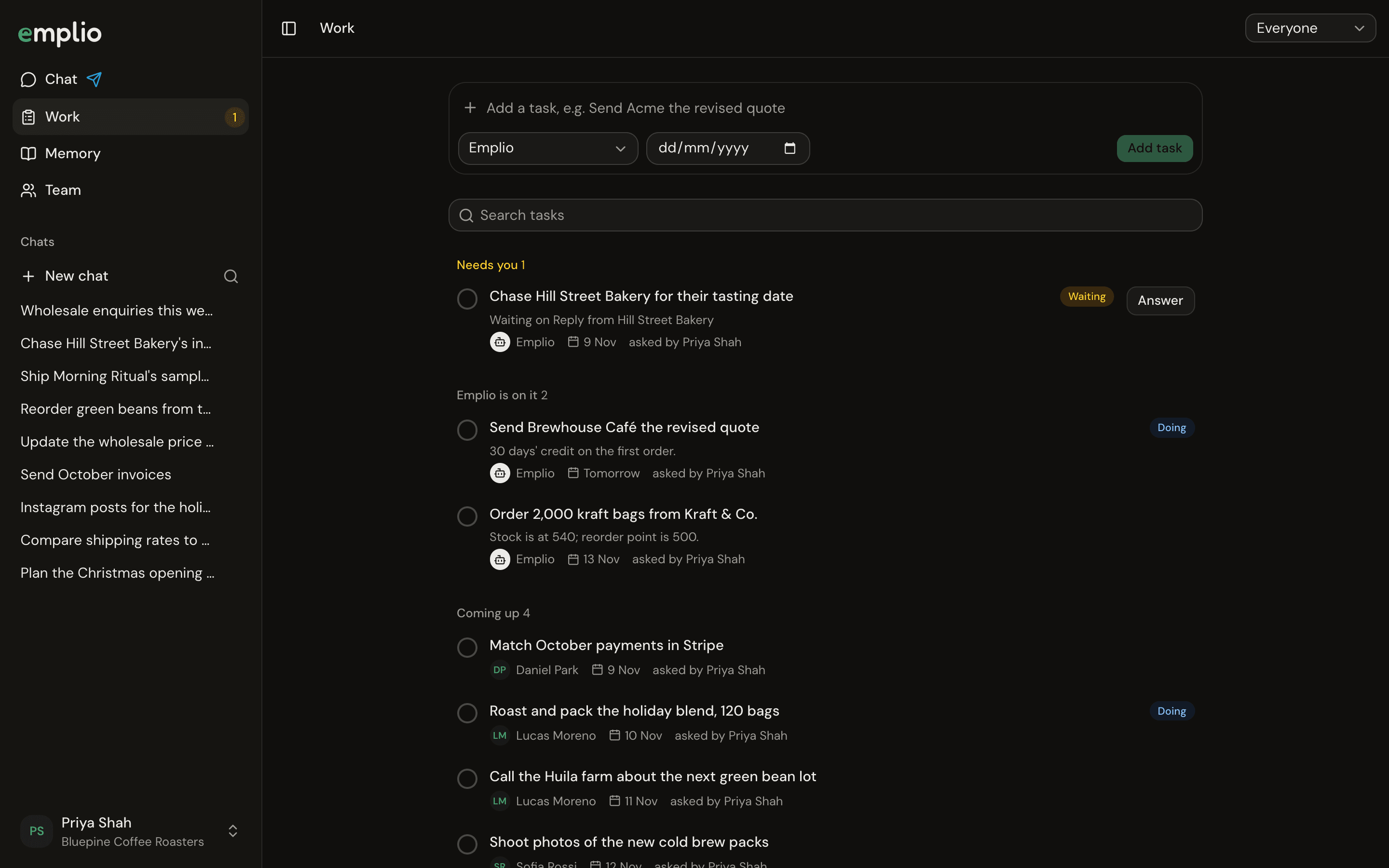
The Work page
1
Set who reports to whom
On the Team page, open a person’s menu and choose Set who they report to. Managers then see and change their team’s tasks.
2
Add a task
On Work, type in the task box, pick the person under Who, and set a due date. Or ask in the chat:
3
Let Emplio chase
When a task comes due, the person gets one reminder in their chat and on Telegram, during their working hours (9am to 8pm their time). After that, their morning brief lists it as late.
4
Hear about late work
Two days late, Emplio tells the person they report to. With no manager set, it tells whoever asked, or the owner.
Work
Tasks for people and for Emplio.
Team
Roles, managers and adding people.