

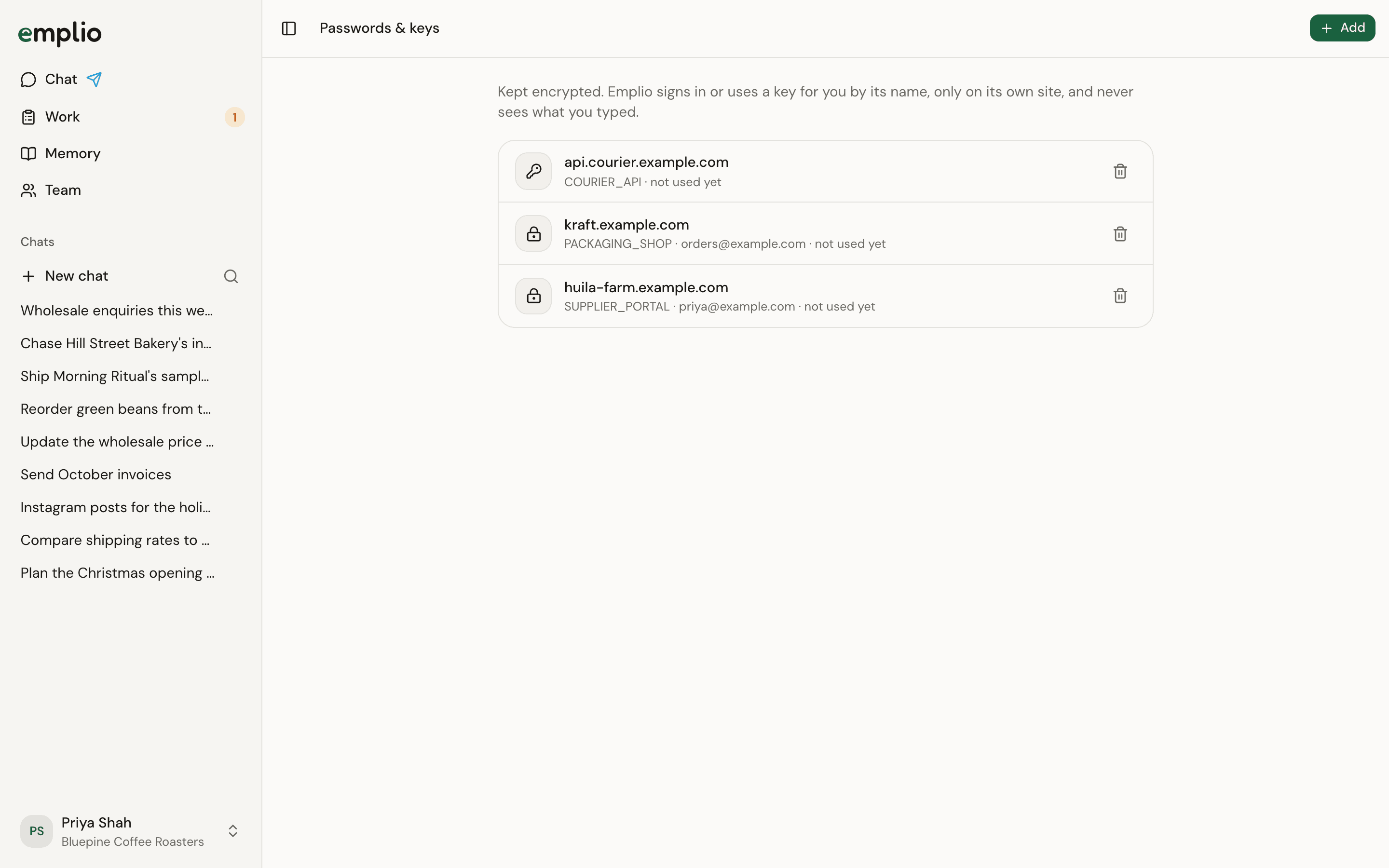
Passwords & keys
Save one
Usually Emplio asks for it in the chat with a button. Press it, fill in the form and press Save. Then tell Emplio it’s saved. To add one yourself:1
Open Passwords & keys
Press your name at the bottom of the sidebar, then Passwords & keys.
2
Press Add
Pick Website login or API key or token.
3
Fill it in
Enter the Website, a Name, and the login details or the Key or token. Press Save.
How Emplio uses them
Emplio knows each one only by its name. Emplio’s server types the password into the website for it, or adds the key to the request, and only on the site it was saved for. Each person’s saved logins are their own.Remove one
Press the bin icon beside it. Emplio won’t be able to use it any more.Sites Emplio signs in to stay signed in, in its browser, for next time.
Integrations
Connect apps instead, where you can.
Security
How Emplio keeps your data safe.