

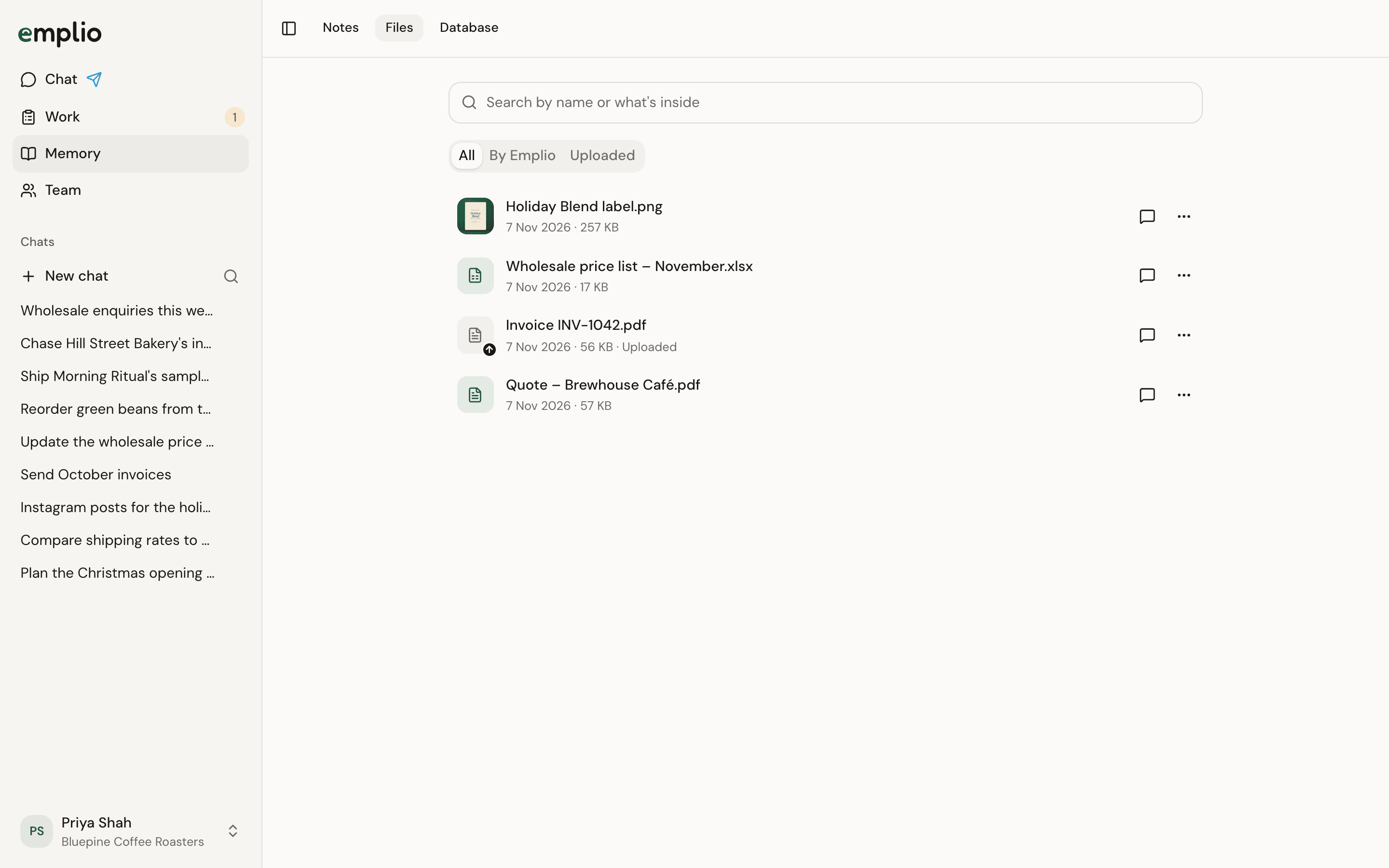
The Files page
Find a file
- Search by name or by the words inside.
- Show All, By Emplio or Uploaded.
- Click a file to open it beside the list.
Share a link
1
Open the file
Click it in the list.
2
Press Share
A link is made and copied. Anyone with the link can open the file without signing in.
3
Stop sharing when done
Press Shared, then Stop sharing. The link stops working.
You see the files from your own chats. Owners and admins see everyone’s.
Chat
Attach files in a chat.
Records
Leads, orders and stock in tables.