

- To be the owner or an admin to change the times. Everyone can look.
- Google Calendar connected, if you want today’s meetings in the brief.
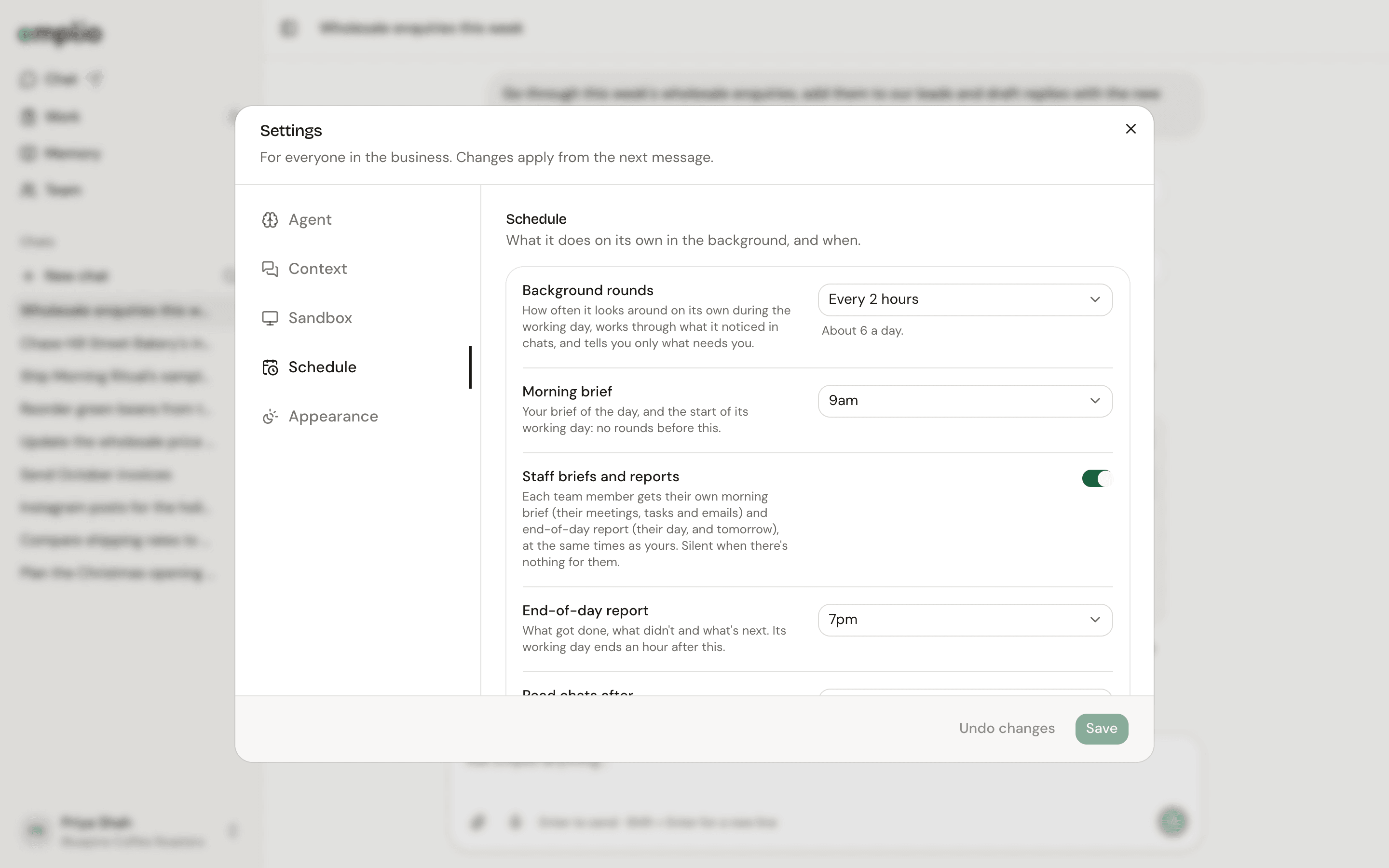
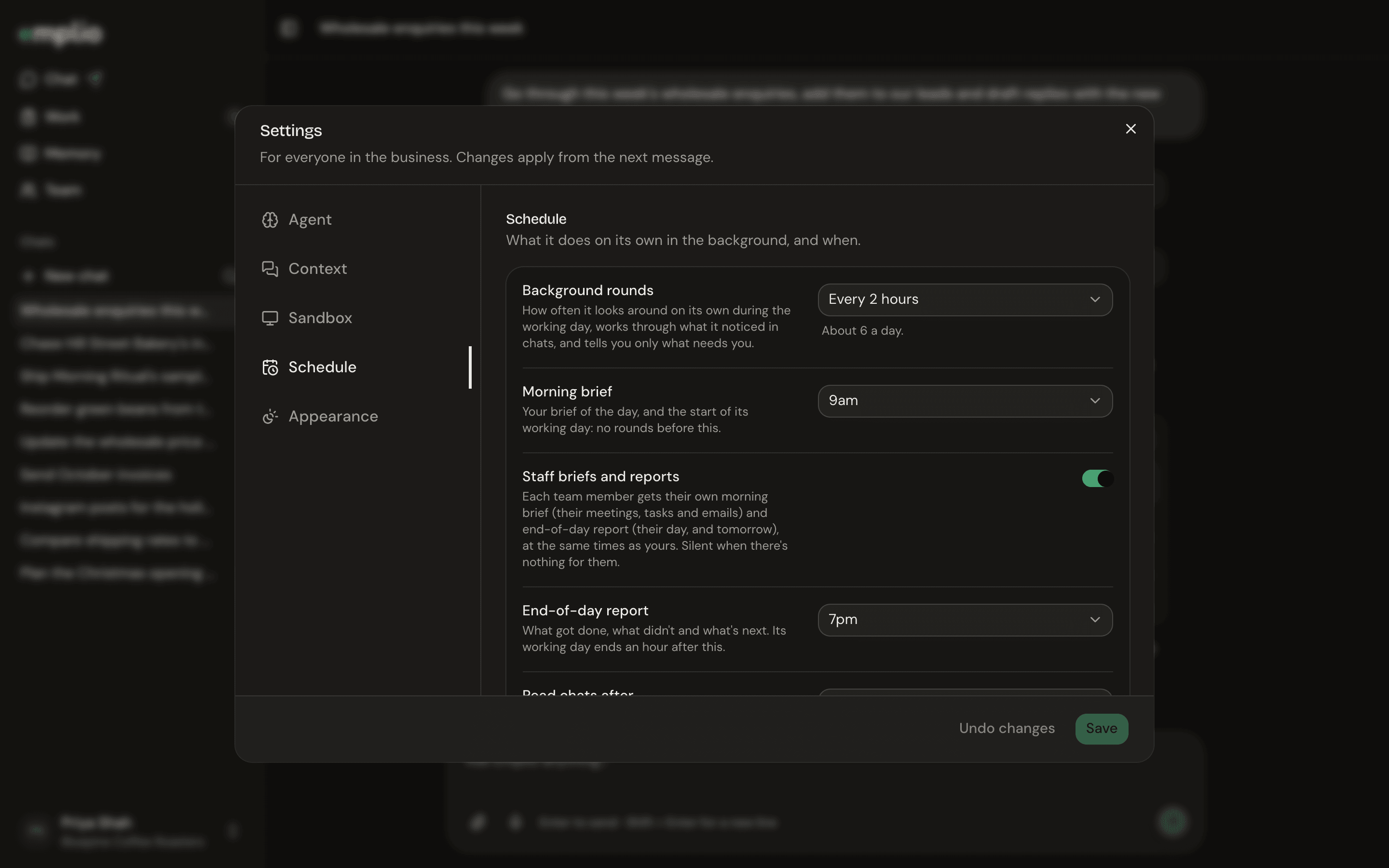
Settings, Schedule
1
Open the schedule
Open your account menu, then Settings, then Schedule.
2
Pick your times
Set Morning brief (7am to 11am) and End-of-day report (5pm to 9pm, or Off). Emplio’s working day runs from the brief to an hour after the report.
3
Include your staff
Leave Staff briefs and reports on so each person gets their own, about their own meetings, tasks and emails. It stays silent when there’s nothing for them.
4
Save
Click Save. Keep Background rounds on anything but Off, or there are no briefs or reports.
5
Tell it what to watch
Settings
Every setting and what it does.
Give work to staff
Tasks that show up in their briefs.